



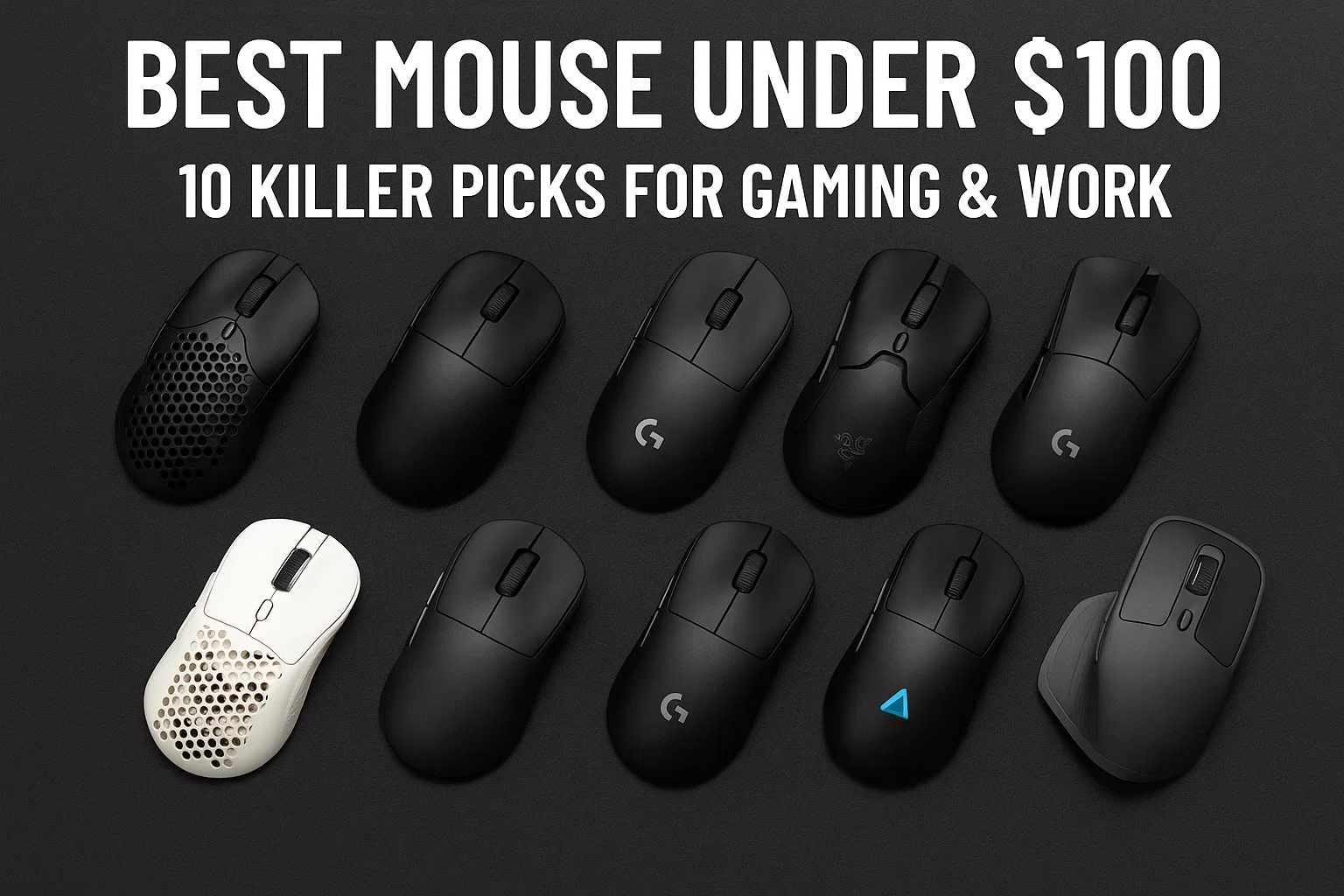
Shopping a mouse on a budget? Here are the10 best mouse under $100, fast sensors, low-latency wireless, and ergonomic choices right now.
1) Razer Viper V3 Hyper Speed, best over-all under $100 ($69.99, regularly $59.99)
Light (approx 82g), quick and tuned for claw/fingertip style players, the V3 combines Razer’s Focus Pro sensor with an embarassingly long-lasting battery life. Clicks are snappy without being sharp, and the shell manages to avoid the “too flat” pitfall of so many competing offerings.
Pros:Ranked FPS for sub-$70 without compromise.
Watch out for: 4K polling requires Razer’s proprietary dongle.
2) Razer DeathAdder V3 (wired), best ergonomic wired ($69.99)
The classic right-hand curve, updated and featherweight at 59g – if you want a palm or relaxed-claw shape, this will feel like comfort food. The cable is flexible, the emphasis is on speed and the sensor is steadfast min.
Good for: Longer sessions, stable aim, larger hands.
Skip: Wired-only; no tilt wheel.
3) Corsair M75 Wireless, best ambidextrous value ($69.99 sale price; MSRP $129.99)
An ambi shell with two interchangeable side buttons makes sure both righties and lefties have real forward/backward controls. Slipstream wireless is snappy, and the build feels sturdier than you’d guess from the price.
Best for: Lefties or someone who simply enjoys the clean, ambi shape.
Consider: About 89g Nice and light, but not ultralight.
4) Pulsar X2 v2 Wireless, best raw aim mouse ($99.95)
There’s a reason sweaty aim nerds love it. Light weight, sturdy sensor, a minimum of gimmicks and just enough hump to help anchor the palm without scraping it along. Software is sparse (some will applaud).
Great for: Skilled shooters, repeatable micro-adjustments.
Be aware: You might need aftermarket grips/feet.
5) Glorious Model O 2 (wired), best mouse under $40 ($39.99)
If “cheapest path to featherweight” is the mission brief, this is it. Current-gen sensor, flexible cable, solid skates — that’s still not a lot of mouse for movie ticket money.
Good for: Light lift on a tight budget.
Be aware that: Not everybody loves the honeycomb shell.
6) SteelSeries Aerox 3 Wireless (2022), best lightweight on sale ($39.99; MSRP $119.99)
An air shell and IP54 “AquaBarrier,” and a battery claim that, while optimistic, stands up quite well with RGB off. At the discounted price, it’s tough to beat.
Good for: Comfy wireless that won’t scare your wallet.
Be aware that: Open shell sounds different if you’re accustomed to solid tops.
7) Logitech G502 X (wired), best macro/all rounder ($99.99)
The “I do everything” mouse. A lot of buttons, comfortable right-side chassis and Logitech’s HERO sensor. It’s heavier than those esports darlings, but if you live in MMOs, Photoshop or Premiere the thumb cluster earns its keep.
Good for: Macros, productivity, RPGs/MMOs.
What to look for: Weight; right-hand only.
8) Logitech G703 Lightspeed, best wireless palm-grip under $80 (≈ $78.99)
Old faithful. Sculpted hump, grip-friendly shape, and enhanced wireless stability in actual gamepaly with HERO-form sensor. It’s not fashionable; it is simply something nice to wear.
Good for: Bigger hands, all-day use, mixed games.
Drawback: Not the lightest; right-hand only.
9) Keychron M3 Wireless, best configurable performer ($39.99-$69.99)
Different internals for the same body: 1K, 4K or 8K polling SKUs. The pitch is straightforward: pay for the speed tier you need. And the form Factor is prefect, it’s safe!”Says: “the clicks are crisp and i couldn’t ask for more!
Great for: Adjusting performance to the limitation of your purse.
Be aware that: The feature set changes from model to model; check the fine print.
10) Logitech G305 Lightspeed, best budget wireless that simply works ($29.99–$49.99)
Running off a single AA battery and the ever-trustworthy Lightspeed dongle, the G305 is our go-to “I just need something good,” friends rec.
Good for: Reliable wireless for under $50.
Be aware that: Bulkier due to battery; no Bluetooth.
How to pick (quick, honest, no mysticism)
Start with shape, not DPI. Palm grip generally likes the taller back and fuller sides (G703, DeathAdder). Claw/fingertip as slimmer flanks and less height (Viper V3, Pulsar X2 v2). If your ring finger gets a cramp, the shape is incorrect — no sensor spec in the world will fix that.
Weight matters until it doesn’t. Under 65 g and fancy flicks are easy, primarily in shooters. For the most part, 70-90g is acceptable and even more tractable for tracking. Pursuit of the final five grams can become a hobby; determine if you want as a hobby.
Wireless vs. wired. Current 2.4GHz dongles are virtually lag-free. Bluetooth is for laptops and airplanes, not ranked lobbies. Wired is the way to go, still king for those venues and “I never want to think about batteries” peace of mind.
Polling rates. 1,000 Hz is already excellent. Otherwise, 4K/8K can be useful in extremely high-skill ceilings or if you are on a 240—360 Hz refresh rate monitor but they also sip more battery (or require an available cable). You may not feel input lag now, in which case you might not need the upgrade.
Surface & feet. Budget for a good mouse pad and make sure to pick up aftermarket skates if the glide feels scratchy. It is astonishing how often “my aim got better” means “my desk no longer hates me.”
Quick FAQs (and straight answers)
Are sub-$100 mice “good enough” for competitive FPS?
Absolutely. Viper V3 HyperSpeed, Pulsar X2 v2 and DeathAdder V3 wired keep up with $150+ models. By now, form and weight matter here more than raw DPI figures do.
What is the best budget wireless pick right now?
An easier shot if it’s on sale, Aerox 3 Wireless (2022) is at least sort of a layup at $39.99. Otherwise, the G305 is still your safest cheap bet.
I need a lot of buttons for under $100, what should I purchase?
The logical answer is the Logitech G502 X (wired). If you really want to go wireless at this price point, keep an eye out for sales on its siblings, but wired keeps it simple.
Any hidden gotchas?
Balance weight (with/without batteries), make sure 4K polling does not require a physical dongle, and glance at the software screen once to see if some on-screen brands deviously bury crucial commands behind “advanced” toggles