10 best keyboards in 2025 (mechanical, wireless & budget) + prices
If you’re looking for one line of advice, it’s this: buy the board that feels right in your hands and in your habits; don’t be swayed by the loudest spec sheet. Prices are U.S. street/MSRP to maintain comparability here…
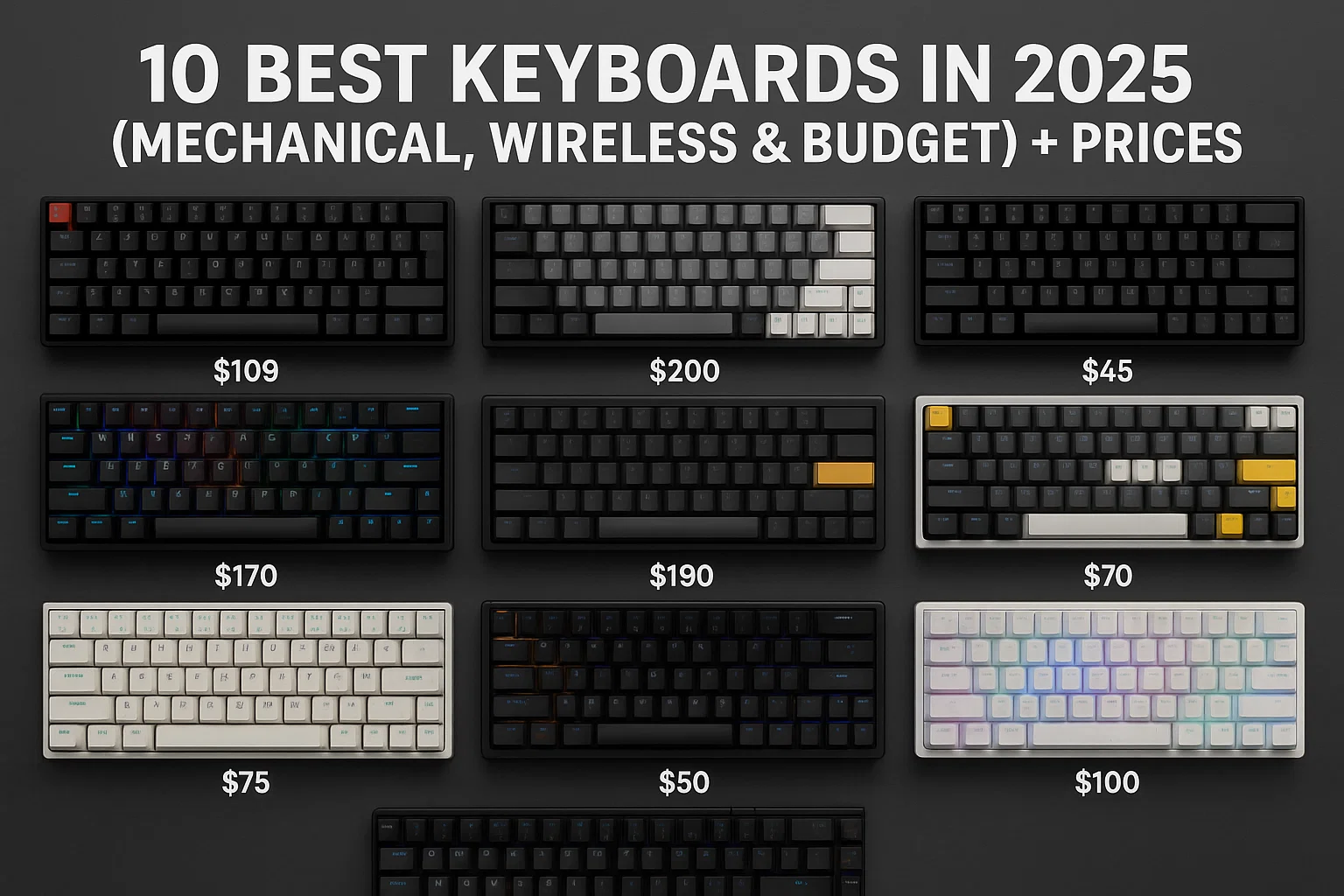
If you’re looking for one line of advice, it’s this: buy the board that feels right in your hands and in your habits; don’t be swayed by the loudest spec sheet. Prices are U.S. street/MSRP to maintain comparability here; your local shop may be kinder (or not). Brands love a good promo and Logitech, in particular, has been known recently to do a quick spot of random price wobbling into the bargain - so do take these as snapshots in time rather than the Gospel truth.
The shortlist (with real-world notes)
1) Logitech MX Keys S everyday, low-profile quiet ($109-$119).
Feels like an awesome laptop keyboard grew up. Relatively shallow scissor switches, a smart backlight that wakes up when your hands do, and dead simple multi-device pairing. Great for writers and office types who don’t prefer clicky drama. Cons: no hobbyist tinkering, and you’ll be residing in Logi Options+ (which, to be fair, is decent).
2) Keychron C1 Pro 8K best sub-$60 mechanical ($54.99).
Magically hot swappable, double shot PBT caps and open source QMK/VIA. The headline 8,000 Hz polling sounds esportsy; what you’ll take away is that it simply works, every time you press it. Wired only, but at this price that’s acceptably perhaps even better for a first mech.
3) Logitech G Pro X 60 wireless 60% built for matches ($179.99 MSRP).
Compact without feeling cramped. KEYCONTROL layers place arrows and F keys where muscle memory wants them to be. LIGHTSPEED for minimal lag, Bluetooth for travel, GX optical switches for consistency. Expensive, yes. And the one you can toss in a bag and rely on onstage, too.
4) Wooting 60HE+ analog/Hall-effect magic ($189.99).
Rapid trigger and 01-4 millimeter per key actuation enable you to execute commands faster than other keyboards and with more precision; plus the 16.8 million colors create a virtually unlimited amount of lighting customization options.Customizable performance light up the competition with a customizable, Spectrum of 16.8 million colors in addition to lit macros and profiles ecstatic Typing experience combines linear switching capabilities with a soft touch that makes this gaming Keyboard ideal for MMO gamers. But in shooters, strafes feel cleaner and the timing of counter-strafing just … clicks. Overkill for Google Docs; ridiculously good for FPS."
5) Corsair K70 Max full-size with adjustable magnetics ($249.99 MSRP, frequently less).
Actuation per key and dual action binding You get to tune the actuation, you even have bindable dual actions using MGX switches. Media keys, a volume roller and a solid frame will keep it nailed to your desk. Large footprint, large flexibilitywait for the sales and it’s no-brainer.
6) SteelSeries Apex Pro TKL (2023) performance TKL, no numpad ($189.99–$249.99).
OmniPoint adjustable switches, snappy wireless and a tiny info screen that’s more useful than you think. Keeps arrows, loses numpad; your mouse arm will thank you.
7) Keychron Q1 Pro, premium 75% “custom-style” (from $149.99).
Gasket mount, alu body, hot-swap and wireless QMK/VIA. The typing feel is cushioned, not mushy, and the 75% layout maintains arrows plus a slight nav column. It’s the enthusiast vibe without the wallet death spiral.
8) NuPhy Air75 V2, the low-profile mechanical with manners (from $119.95).
Tri-mode(2.4G/BT/USB), Lightweight, and especially great sound on a thin board. If you like MacBook height but crave true key switches, this is the bridge. It looks very good, sounds restrained and packs well.
9) Apple Magic Keyboard (Touch ID) for Mac people ($149 TKL / $179 full).
Connects immediately to Apple silicon, Touch ID is slick and the scissor feel fits macOS shortcuts. Expensive, and Windows support is… courteous. But if you live in Final Cut or Xcode, this is the “it just works” option.
10) Kinesis Freestyle Edge RGB Get an ergonomic split that tastes hell a lot like freedom ($179–$209).
Two real split halves, deep macro software and optional tenting for wrist/shoulder relief. Not flashy; extremely livable. If your right shoulder is still grumbling, this may be the board that finally shuts it up.
How to choose (and avoid buyer’s remorse)
Start with switches, not slogans.
For twitch shooters and racers They`ve always been fast, sexy, and aggressive - but keyboards have never been able to keep up with the speed of action in-game. Hall-effect/magnetic or optical Simply put, these are the smoothest switches that you can use. Prefer classic feel? It's what the safe lane is for when it comes to mechanical switch options. Clicky is great fun until your flatmate complains.
Pick a size that suits your desk (and also your shortcuts).
60-65% is small and neat, but you need to rely on layers for the arrows & F-keys. 75%/TKL keeps arrows and gets rid of a little bit of the fat. At the full-size level you get a numpad which is excellent for spreadsheets but not needed by everyone.
It's not wired versus wireless as a morality play.
Wired is still the king for plug-and-play events and no charging anxiety. 2.4G wireless is shockingly good now; bluetooth is the convenience play for laptops and tablets. And if you’ll be hopping between devices, multi-device pairing will save you real time.
Budget with sales in mind.
Prices move. Every other week, we hear about Logitech this, Corsair that, SteelSeries something else, ASUS another and they’re on special. If your cart isn’t on fire, incentivize two retailers for a couple days. It’s not uncommon to save $20–$50 just by delaying the weekend.
Tiny caveats that matter later
Keycap material: PBT is the saner choice if you prefer grippy and nonshiny; ABS often feels smoother (good for some) but can gloss over time.
Hot-swap sockets: Cool if you want to try linears/tactiles later without needing to pull out your soldering iron. Not necessary, but addictive if you get intrigued.
Software: Logitech’s Options+ is friendly; SteelSeries and Corsair are competent but busier; Wooting’s tools nudge practical. If bloatware makes your skin crawl, take that into consideration.
Quick answers (because everyone asks)
Do I really need Hall-effect (magnetic) switches?
If you play twitchy games, yes — the Rapid Trigger and low actuation make Strafes and taps feel very crisp. You don't need anything other than normal mechanical for casual game and typing (and quite likely it'll also be cheaper).
What is the quietest office microphone option?
MX Keys S wins for hush. For a silent mechanical, the NuPhy Air75 V2 or the Logitech MX Mechanical with linear/tactile switches (RGB off) is also known for keeping noise to a minimum.
I want custom looks, but I don’t want to start from complete scratch; now what?
Keychron Q1 Pro for aluminum/gasket vibes and wireless QMK/VIA. And if you like gadgets, there’s the ROG Azoth with a tiny OLED, but again pricing is all over the place; $200-$300 depending on kit.