

















Aim the slingshot, thread the ring, earn three stars
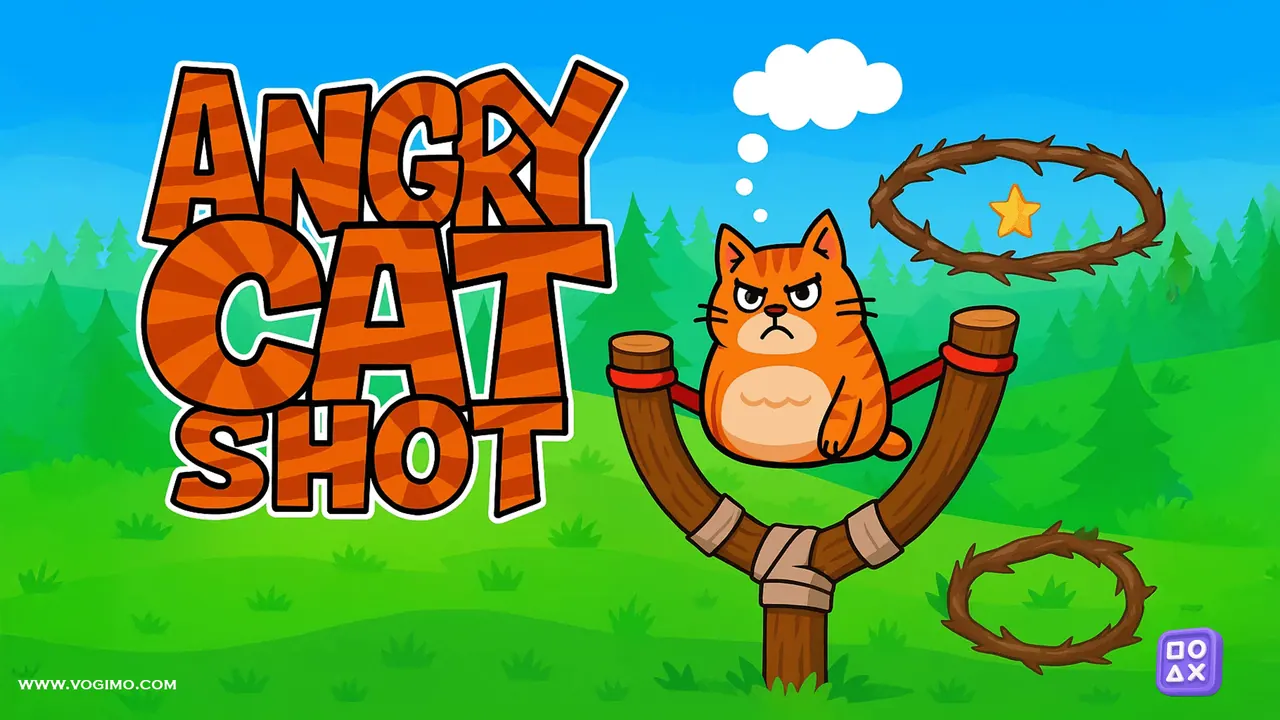
Angry Cat Shot loads a very grumpy cat into a wooden slingshot and asks you to send it cleanly through a ring. Pull back to set the power, tilt the angle and let go. Rings hang at odd angles above a pine forest, a cat counter at the top shows how many throws you have left, and every level you clear earns up to three stars on the level map.
How to play Angry Cat Shot
- Pick an unlocked level from the map, where finished levels show their stars.
- Click or touch the cat in the slingshot and drag back to set the angle and strength of the shot.
- Let go to launch the cat and thread it through the rings hanging in the level.
- Keep an eye on the cat counter at the top, since it shows how many throws you still have.
Controls
| Mouse: click, drag, release | Pull back, aim and launch the cat |
|---|---|
| Touch: hold, drag, release | Slingshot the cat on a touchscreen |
Tips to play better
- Use your first few shots of a session to get a feel for the arc before you tackle anything tricky.
- If the cat keeps passing under the ring, raise the angle before you add power; a higher arc gives it more time to drop in.
- A tilted ring has a narrow opening from the side, so line up your arc with the direction the hole faces.
- Finished levels stay open on the map, so you can replay one later for a cleaner result.
Advertisement
Angry Cat Shot gameplay video

Gameplay recorded by the Vogimo team.
Angry Cat Shot FAQ
What does the cat number at the top mean?
It shows how many cats you still have to throw in the level, so treat each shot with care instead of firing off quick guesses.
How many levels are there?
The level map shows 15 levels per page, and the game has 30 in all. Each finished level shows up to three stars, and the next one unlocks as you progress.
Advertisement