















Eight wheels, a fuel gauge and a lot of hills
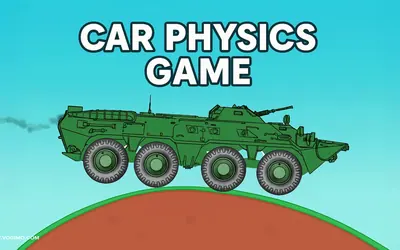
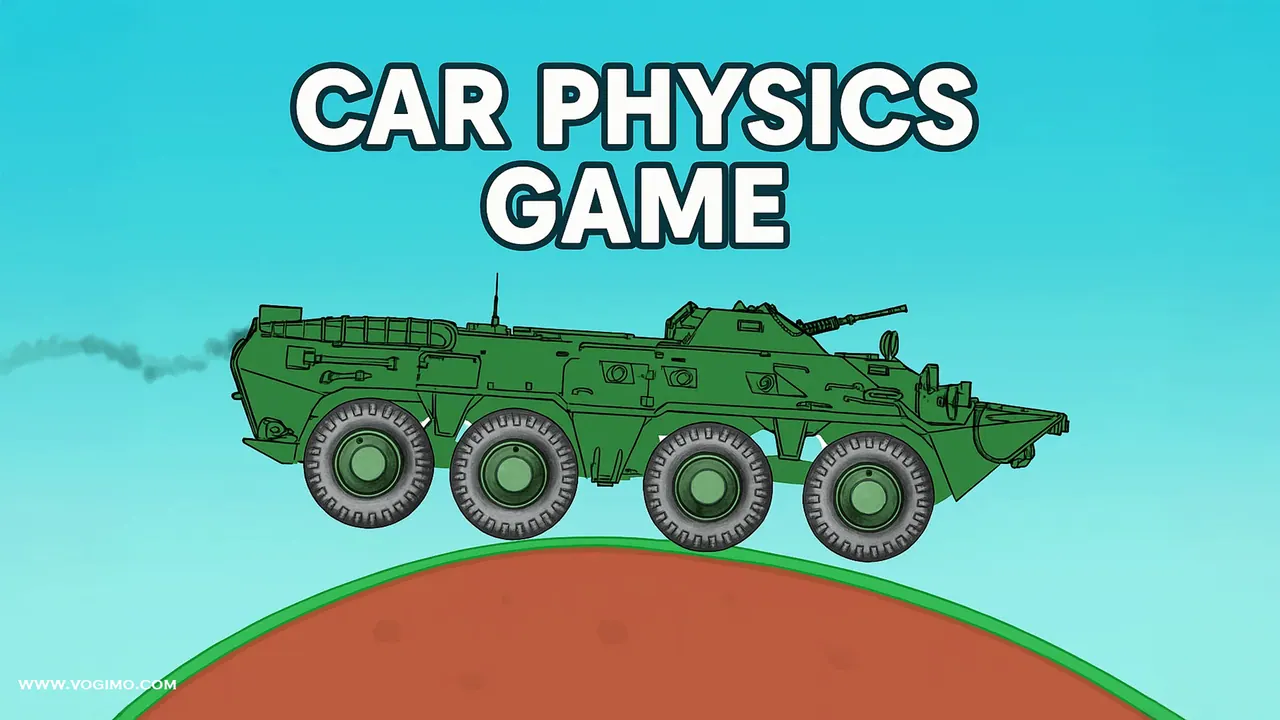
Car Physics hands you a green, eight-wheeled armored carrier and a rolling landscape of red hills and loose boulders, all seen from the side. The heavy hull rocks on its suspension over every bump, so smooth inputs beat flat-out speed. Fuel and nitro gauges sit in the top corner, a cash counter climbs as you drive, and a speedometer shows how hard you are pushing.
How to play Car Physics
- Drive right across the hills, holding the right arrow to accelerate and the left arrow to slow down or back up.
- Ease off on steep climbs and crests so the long hull stays level and all eight wheels keep their grip.
- Keep an eye on the fuel gauge, and treat the nitro bar as a reserve for extra push on hard climbs.
- Collect cash as you go, and hit Restart whenever a run goes wrong.
Controls
| Right arrow (button or key) | Accelerate |
|---|---|
| Left arrow (button or key) | Brake and reverse |
| Restart button | Start the run over |
Tips to play better
- Hold a steady throttle up long slopes instead of jabbing it, or the long hull starts to rock back and forth.
- Let the carrier roll down the far side of a hill under its own weight, then feed the power back in at the bottom.
- Watch the speedometer: if the needle keeps jumping, you are pushing harder than the ground allows.
- If the carrier gets stuck or lands on its nose, restart straight away rather than burning fuel trying to rescue it.
Advertisement
Car Physics gameplay video

Gameplay recorded by the Vogimo team.
Car Physics FAQ
Is Car Physics more arcade or simulation?
Somewhere in between. The controls are simple, but the carrier's weight and springy suspension react to every bump, so smooth driving beats flat-out speed.
What are the fuel and nitro bars for?
Fuel keeps the carrier moving, so an empty tank brings a run to a halt. Nitro is a separate reserve for extra speed when the hill ahead needs it.
Advertisement