















Speed up, swap lanes and keep your bumper clean
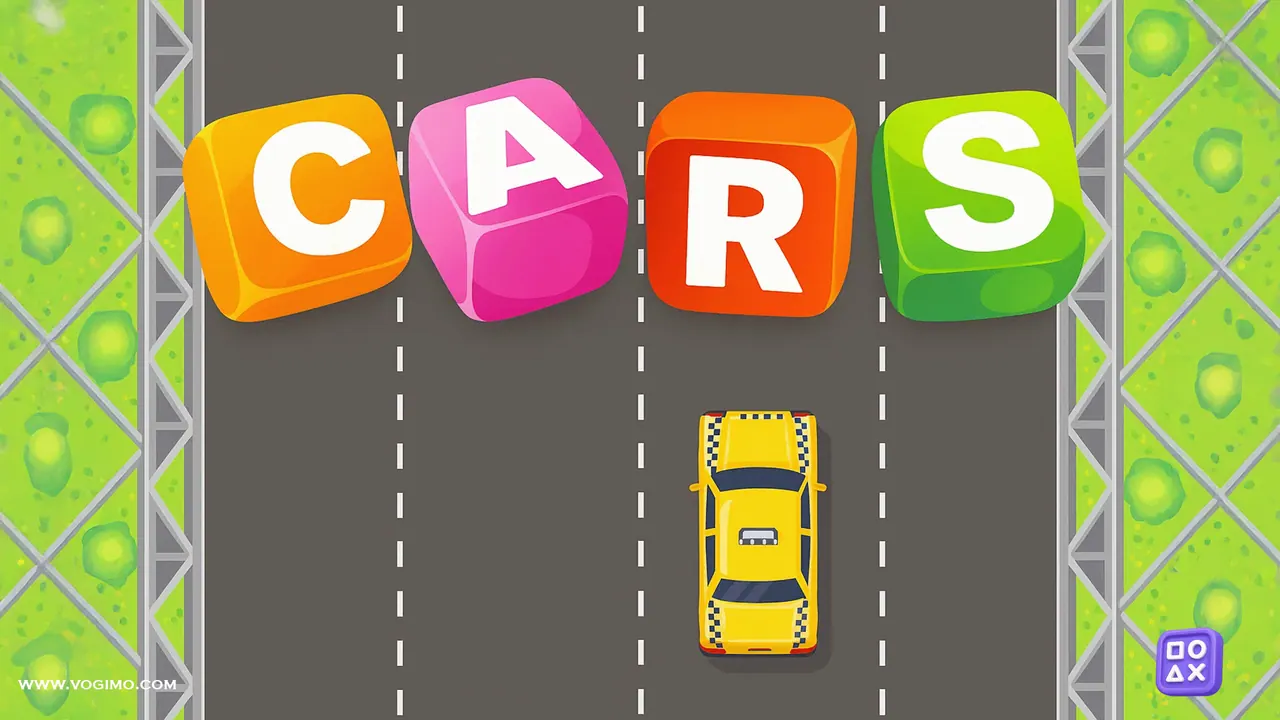
Cars is a top-down driving game on a busy four-lane highway, and your car starts each run at a standstill. The score only climbs while you are moving, so pick up speed, slip between the pickups, sedans and trucks sharing the road, and brake when a gap closes. Every run hands you a different car, from a yellow taxi to an orange pickup.
How to play Cars
- Press play on the title screen; your car waits on the road with the score at zero and a timer counting up.
- Hold the up arrow to accelerate, since points only add up while the car is rolling.
- Use left and right to change lanes and pass the vehicles in front of you.
- Press down to brake when traffic bunches up; the tires leave skid marks on the road.
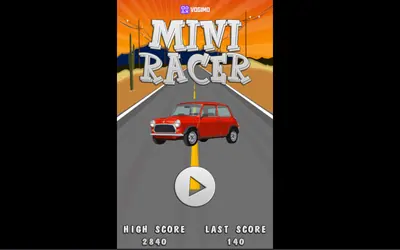
- Touching any vehicle wrecks your car and ends the run, and the title screen then shows your high score and last score.
Controls
| Up / down arrows | Accelerate and brake |
|---|---|
| Left / right arrows | Change lanes |
| Tap the on-screen arrows | Drive and steer on phones and tablets |
Tips to play better
- Change lanes well before you reach a vehicle, because a last-moment swerve rarely clears it.
- Brake early when two lanes are blocked side by side, then accelerate through the gap as soon as one opens.
- Keep to the middle lanes when you can, so there is an escape route on both sides.
- Your score grows with distance, so a long, steady run beats short bursts of speed that end in a crash.
Advertisement
Cars gameplay video

Gameplay recorded by the Vogimo team.
Cars FAQ
Why is my score not going up?
Points only add up while your car is moving. Hold the up arrow, or the on-screen up button, and the score starts climbing again.
Does Cars work on a phone?
Yes. Four arrow buttons sit at the bottom of the screen: left and right for lanes on one side, brake and accelerate on the other.
Advertisement