

Rotate, drop and clear rows under the holiday lights
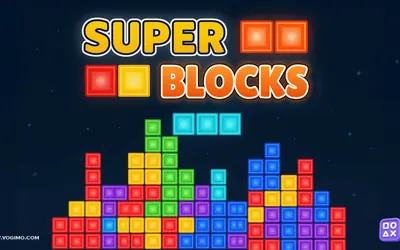
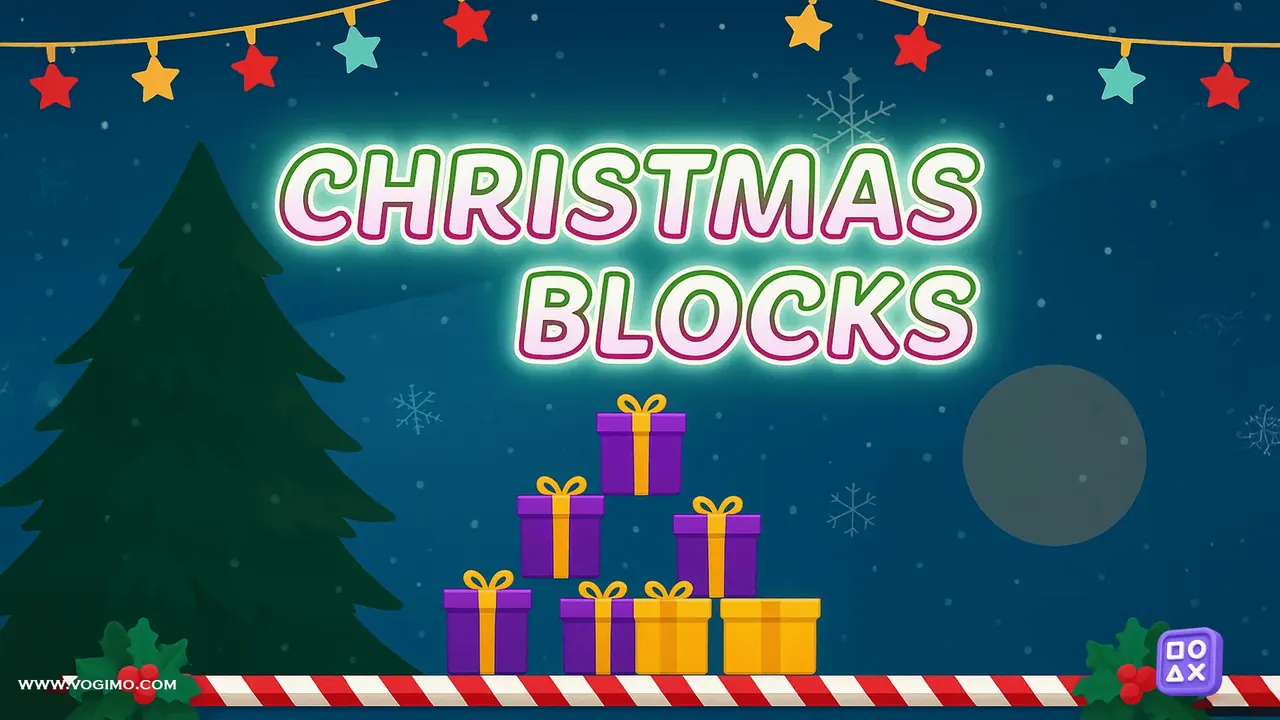
Gift-wrapped pieces tumble down a well framed by candy canes in Christmas Blocks, a falling-block puzzle with Santa and a snowy forest looking on. Slide and rotate each piece so it fits the stack below, and any row you fill from edge to edge vanishes for points. A preview of the next four pieces and a swap box for holding one back help you plan, but leave gaps and the pile creeps toward the top.
How to play Christmas Blocks
- A new gift-box piece drops into the well, with the next four waiting in the preview on the right.
- Move it sideways and rotate it either way until it lines up with the gaps below.
- Fill a complete row to clear it, while the panel keeps count of your score, lines, level and combo.
- Press Ctrl to tuck the falling piece into the swap box and bring it back when it fits better.
- The game ends when the stack reaches the top and a new piece has no room to enter.
Controls
| Left / Right arrows | Move the piece sideways |
|---|---|
| Up arrow or X / Z | Rotate clockwise / counterclockwise |
| Down arrow / Space | Drop faster / drop and lock at once |
| Ctrl / P | Swap into the hold box / pause |
Tips to play better
- Keep one column open against a side wall; a long straight piece dropped into it can clear several rows together.
- Park an awkward piece in the swap box instead of forcing it into a spot that leaves holes.
- Read the preview of upcoming pieces before placing the current one, so you leave room for what comes next.
- Once the speed picks up, take easy single-row clears instead of holding out for a big one.
Advertisement
Christmas Blocks gameplay video

Gameplay recorded by the Vogimo team.
Christmas Blocks FAQ
What ends a game of Christmas Blocks?
The game is over when the stack builds up to the top and a new piece has no room to enter. Clearing rows steadily keeps the pile low.
Can I save a piece for later?
Yes. Press Ctrl to move the falling piece into the swap box under the well, then press it again when you want that piece back.
Advertisement