





















Jump for the coins, keep running, beat your best
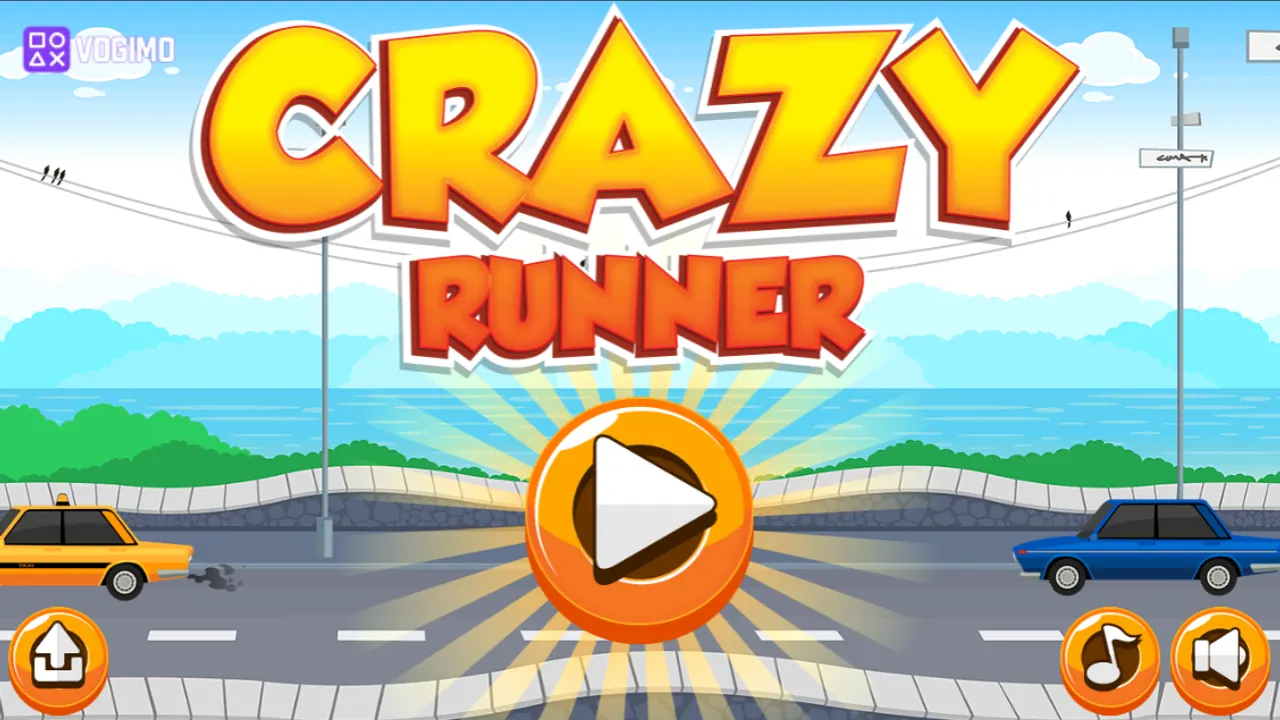
Sea views, a low stone wall and a taxi rolling down the road set the scene for Crazy Runner, where a stocky runner in a cap jogs along the seafront on his own. Your part is the jumping: hop at the right moment to stay out of trouble and sail through the arcs of coins hanging over the road. A clock, a cash counter and a distance meter run along the top.
How to play Crazy Runner
- Press the orange play button to start running.
- Click or tap to jump, clearing trouble on the road and collecting the coins that float in arcs.
- Coins add to the cash counter at the top, and that total becomes your score for the run.
- Hitting an obstacle ends the run, and the results screen shows your score next to your best and last scores.
Controls
| Mouse click / tap | Jump |
|---|---|
| Pause, music and sound buttons | Pause the run or switch audio on and off |
Tips to play better
- Keep your eyes on the right side of the screen, where new obstacles come into view.
- Take off at the near end of a coin arc so the jump follows its curve and collects most of it.
- Restart straight after a crash while the timing is still fresh in your hands.
- Don't jump the instant something appears; wait until it is close enough that you will land beyond it.
Advertisement
Crazy Runner gameplay video

Gameplay recorded by the Vogimo team.
Crazy Runner FAQ
How is my score worked out in Crazy Runner?
By the coins you collect. The results screen shows that total next to your best score and last score, so a short run full of coins can beat a long, empty one.
How quickly can I try again after a crash?
Right away. The results screen has a replay button, so a new run is one click or tap away.
Advertisement