






Two brothers, two sets of buttons, one pixel forest
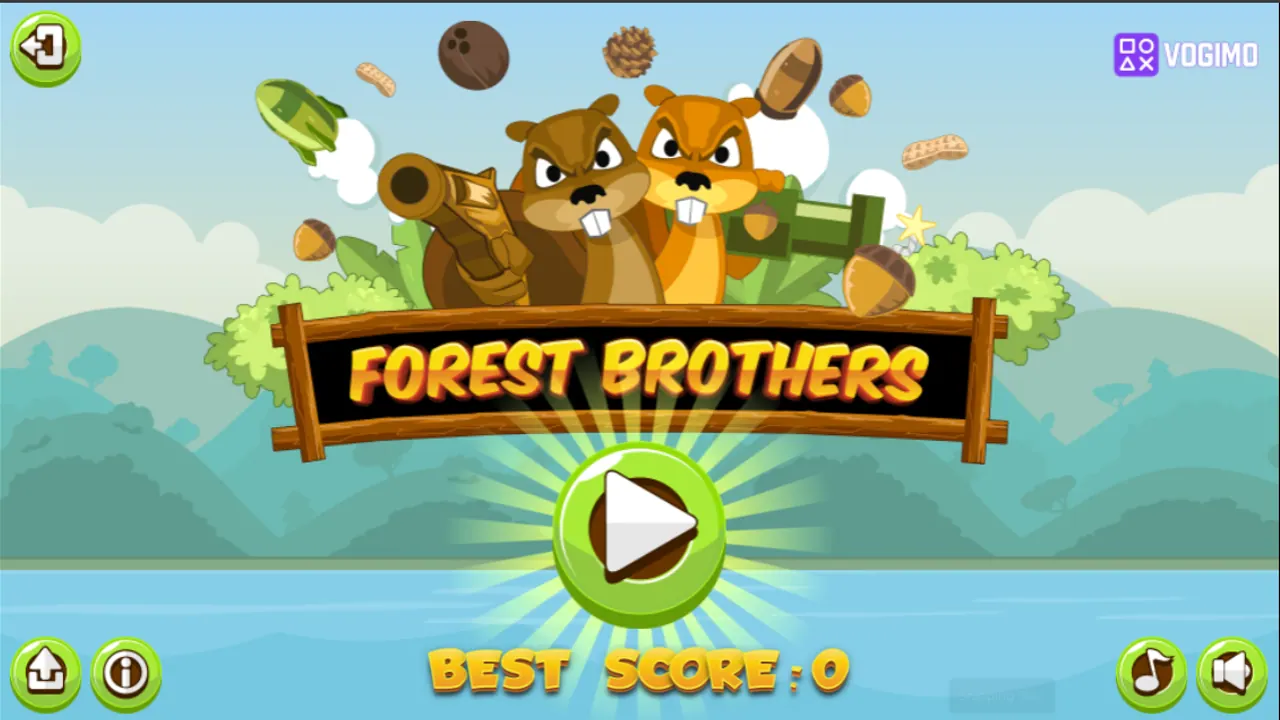
Forest Brothers stars two buck-toothed woodland critters, one hauling an oversized pistol and the other a bazooka, in a pixel-art forest of floating treetop ledges. Each brother has his own set of on-screen buttons, green on the left and red on the right, which makes it easy to share the screen with a friend. Run, jump, shoot and collect coins while watching both health bars.
How to play Forest Brothers
- Press play to drop the brothers into a pixel forest of floating grassy ledges.
- The green arrows on the left run and jump one brother; the red arrows on the right do the same for the other.
- Press a brother's crosshair button to fire his weapon at whatever gets in the way.
- Collect coins as you go and keep an eye on the clock and score along the top.
- When a run ends, the Try Again screen shows your last score next to your best.
Controls
| Green arrows (left) | Run and jump with the first brother |
|---|---|
| Red arrows (right) | Run and jump with the second brother |
| Crosshair buttons | Fire that brother's weapon |
Tips to play better
- Playing alone? Move one brother at a time so neither drifts into trouble while you focus on the other.
- Glance at both health bars at the bottom after every scrap, not just at the brother you are steering.
- Ledges sit at different heights, so study the layout around the big tree before you start jumping.
- Grab coins on your way past instead of doubling back; the clock at the top keeps running.
Forest Brothers gameplay video

Gameplay recorded by the Vogimo team.
Forest Brothers FAQ
Can two people play Forest Brothers together?
The screen carries two full sets of buttons, green on the left and red on the right, one for each brother, so it suits two players on one device. You can also run both brothers yourself.
How do I keep track of my score?
During a run the score, coin count and clock sit along the top of the screen. Afterward, the Try Again screen shows your last score next to your best one.