
















Balance a monster truck over snowy wrecks
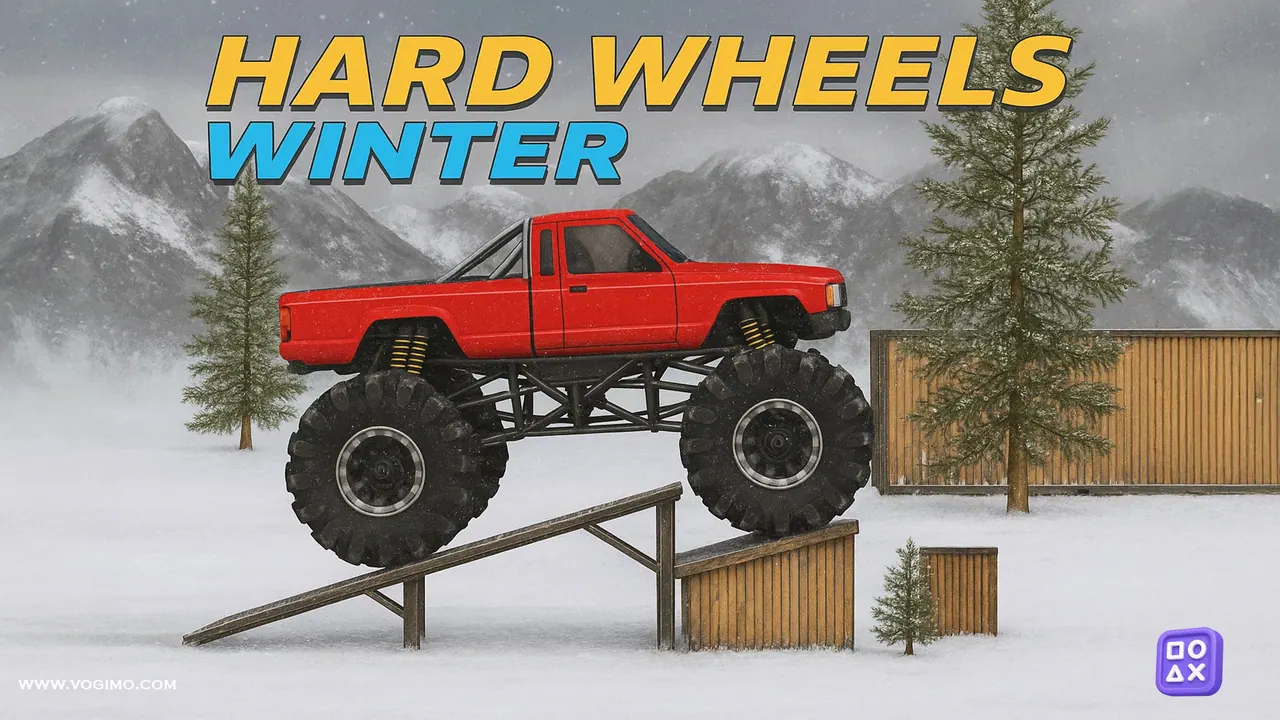
Hard Wheels Winter hands you a big red monster truck and a string of snowy obstacle tracks. Speed matters less than balance here: gravel heaps, wrecked cars and vans, and the climb onto a steel truss bridge will tip the truck onto its roof if you hit them flat out. Gentle throttle, small corrections in the air and clean landings carry you to the finish line.
How to play Hard Wheels Winter
- Choose New Game to start from the first track, or Select Level to pick one.
- Press the up arrow to drive forward and build speed gently.
- Back off the gas before crests and car roofs so the truck stays level.
- Use the other arrow keys to brake and balance, landing jumps on your wheels.
- Reach the finish without flipping over to clear the track.
Controls
| Arrow keys or WASD | Drive, brake and balance (Up to accelerate) |
|---|---|
| On-screen buttons | Drive on phones and tablets held sideways |
Tips to play better
- Tap the throttle in short bursts on snow; holding it down mostly spins the wheels.
- If a steep climb beats you, roll back a little and try it again with a steadier run-up rather than more power.
- Lean back slightly before landing a drop so the rear tires take the hit first.
- Crawl over wrecked cars and vans at low speed; hitting a roof fast bounces the truck into a flip.
Advertisement
Hard Wheels Winter gameplay video
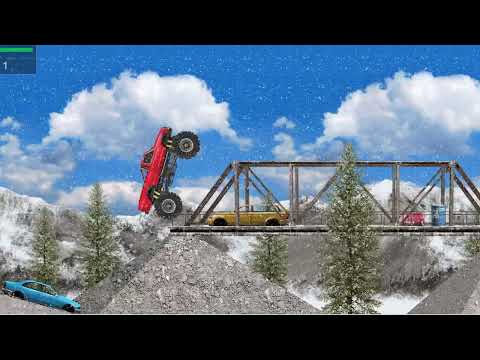
Gameplay recorded by the Vogimo team.
Hard Wheels Winter FAQ
Can I play Hard Wheels Winter on a phone?
Yes, using on-screen buttons. Turn your phone sideways, since the game asks for landscape mode.
Why does my truck keep flipping on ramps?
Usually it is too much gas at the wrong moment. Let go of the throttle just before the lip of a ramp and make small corrections in the air rather than one big one.
Advertisement