
















Grab the keys, open the gates, escape the village
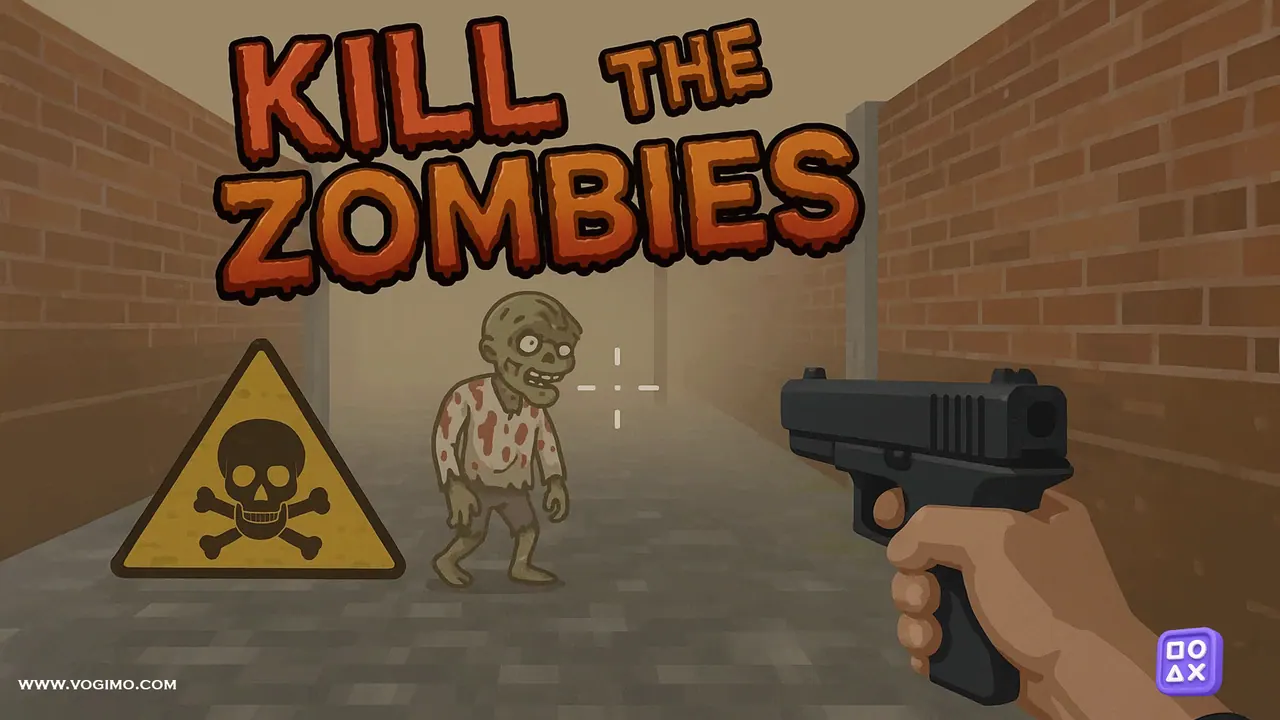
Kill the Zombies puts a pistol in your hand and a harbor village full of the undead in front of you, all seen through your own eyes in 3D. The goal is escape: hunt down the keys that unlock the gates between areas, shoot the zombies that close in, and keep pushing toward the way out. It is a keyboard-and-mouse shooter with a tense, gloomy mood.
How to play Kill the Zombies
- Walk through the village with WASD and turn the camera with the mouse.
- Press the left mouse button to fire your pistol at zombies.
- Find keys and use them to open the locked gates ahead.
- Make it out of the harbor village alive to win.
Controls
| W, A, S, D | Move |
|---|---|
| Mouse | Look around and aim |
| Left mouse button | Fire the pistol |
Tips to play better
- Back away while you shoot; it buys time and keeps the zombies in front of you.
- Fire deliberate single shots rather than clicking wildly, so each bullet counts.
- Remember a landmark near every locked gate so you can head straight back once you find its key.
- Slow down at corners and doorways, where a zombie can be waiting just out of sight.
Advertisement
Kill the Zombies gameplay video

Gameplay recorded by the Vogimo team.
Kill the Zombies FAQ
Does Kill the Zombies work on touch screens?
It is designed around keyboard and mouse: WASD to move, the mouse to aim and the left button to shoot. A computer gives you the controls it expects.
How do I get through the locked gates?
Find the key for that gate somewhere in the area. Once you have it, the gate opens and you can push on toward the exit.
Advertisement