













Eat the small fry, dodge the big ones
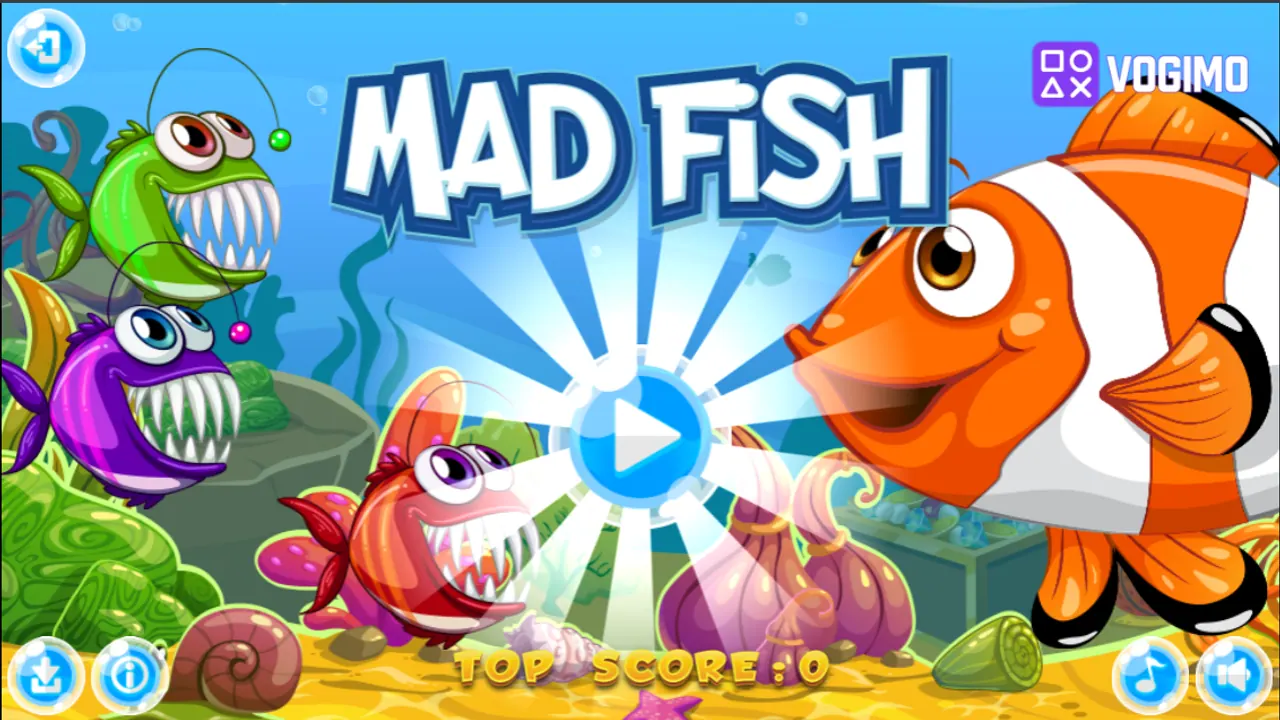
Mad Fish drops you into a bright coral reef as a hungry piranha. Every fish carries a number that shows its size, yours included: swim into fish with a lower number to eat them and score, and keep away from anything bigger, which can eat you. Pick one, two or three players, and each piranha keeps its own score at the top of the screen.
How to play Mad Fish
- Choose 1, 2 or 3 players: the red piranha uses the arrow keys, the green one W, A, S, D and the purple one the mouse.
- Start the round from the Tap to Play screen and look for fish whose number is lower than your own.
- Swim into those smaller fish to eat them and add to your score.
- Keep clear of fish with higher numbers, since they can eat you instead.
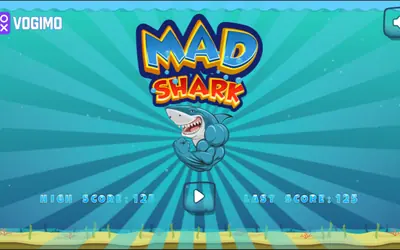
- The clock in the top-right corner counts up, and the title screen keeps the top score to beat.
Controls
| Arrow keys | Swim with the red piranha (player 1) |
|---|---|
| W, A, S, D | Swim with the green piranha (player 2) |
| Mouse | Swim with the purple piranha (player 3) |
Tips to play better
- Read the number under a fish before you chase it; the number, not the look of the fish, tells you whether it is food.
- Stay near the middle of the reef, where you can turn away from a bigger fish in any direction.
- In a two-player game, sit side by side so one player has the arrow keys and the other W, A, S, D at the opposite end of the keyboard.
Advertisement
Mad Fish gameplay video

Gameplay recorded by the Vogimo team.
Mad Fish FAQ
How many people can play Mad Fish at once?
Up to three on one computer. Player one steers the red piranha with the arrow keys, player two the green one with W, A, S, D, and player three the purple one with the mouse.
What do the numbers next to the fish mean?
They show size. Fish with a lower number than yours are safe to eat, and fish with a higher number can eat you.
Advertisement