











Slow hands, wide turns, perfect parking
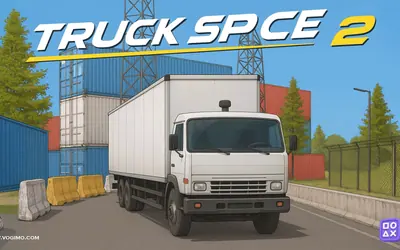
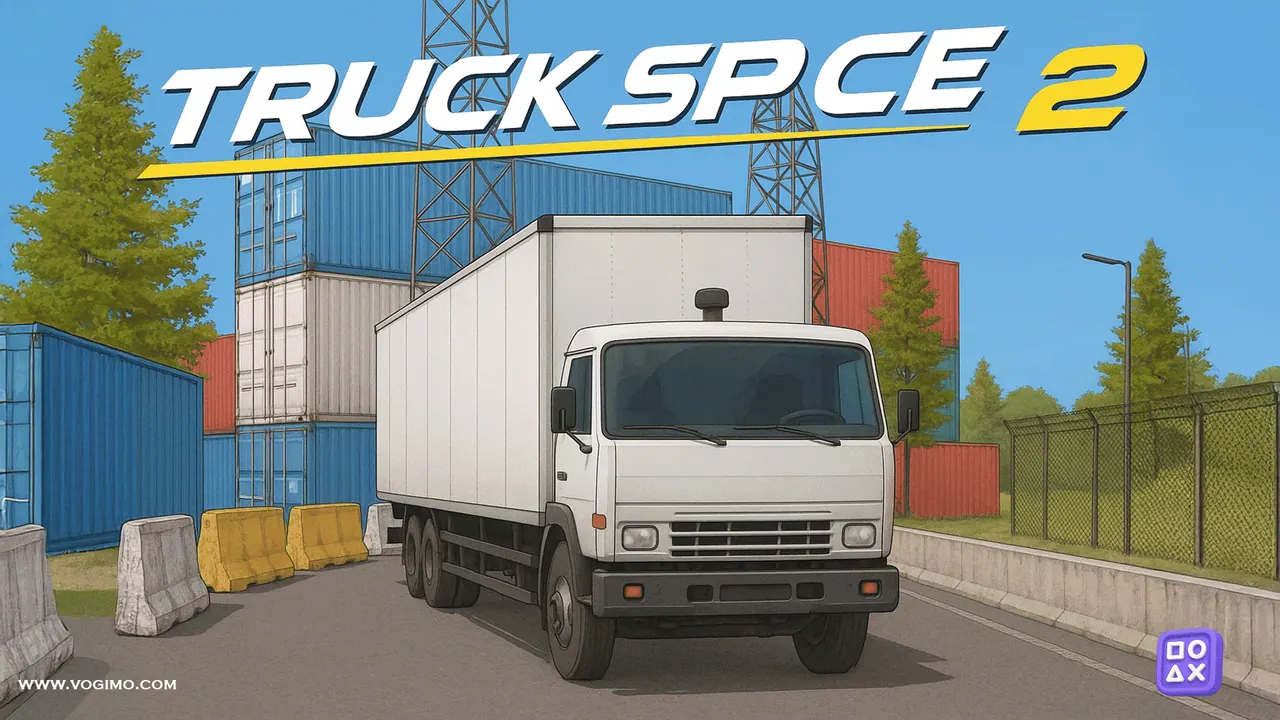
Parking is the whole challenge in Truck Space 2, and the vehicle is a white semi-truck towing a long box trailer that needs room to turn and patience to reverse. Each stage sets a target space somewhere in a 3D yard of shipping containers, crates, tires and concrete barriers. You can orbit the camera to study every angle, and the neatest parks come from small corrections rather than speed.
How to play Truck Space 2
- Pull away from the start and line the truck and trailer up with the marked parking space.
- Rotate and zoom the camera to check how close you are to containers and barriers.
- Pull in or back up slowly, steering in small amounts.
- Stop with the whole rig inside the space to clear the stage, without clipping anything on the way.
Controls
| Arrow keys / WASD | Drive, steer, brake and reverse |
|---|---|
| Mouse drag / wheel | Rotate and zoom the camera |
| Touch buttons and swipe | Drive and turn the view on mobile |
Tips to play better
- When reversing, the trailer swings the opposite way to the cab, so steer in small amounts and correct early.
- If the angle goes wrong, drive forward a little and try again instead of zig-zagging into place.
- Choose one camera view for the final approach, such as high and behind the truck, so left and right stay predictable.
- Turn the wheel a little, pause to see how the truck reacts, then adjust; long vehicles respond late.
Advertisement
Truck Space 2 gameplay video

Gameplay recorded by the Vogimo team.
Truck Space 2 FAQ
Can I move the camera in Truck Space 2?
Yes. Drag with the mouse to orbit around the truck and use the scroll wheel to zoom; on a touchscreen, swipe to turn the view.
What is the quickest way through a tricky stage?
Go slowly. One clean approach is faster than several rushed ones, and a short pull forward to reset beats forcing a bad angle.
Advertisement