

















Clear the base one corner at a time
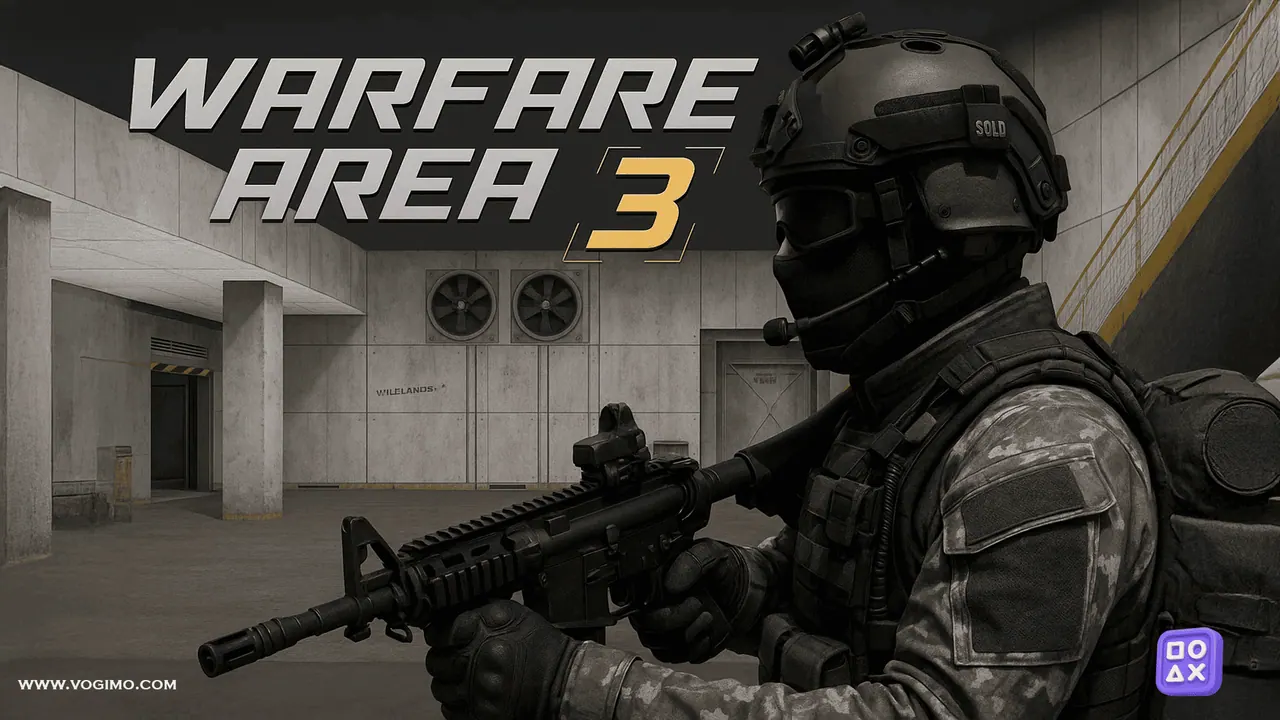
Warfare Area 3 drops you into a walled concrete compound of bare rooms, shipping containers and supply crates with a rifle and a simple order: clear it out. Soldiers in camouflage and tactical vests hold the rooms, and they punish anyone who strolls in without looking. The game rewards a slow, deliberate pace, where you check each angle, fight from cover and reload before the next doorway.
How to play Warfare Area 3
- Move into the base and clear it one area at a time.
- Aim at the soldiers and fire before they get a clear shot at you.
- Reload behind cover, and grab a medkit when your health runs low.
- Watch the Enemies counter in the top center and take out the hostiles to finish the mission.
- Between missions, check the Upgrades and Achievements menus on the main screen.
Controls
| WASD / arrow keys | Move |
|---|---|
| Mouse / left click | Aim and shoot |
| R / L / P | Reload, lock or unlock the cursor, pause |
| Touch | Left stick to move, drag to aim, fire button to shoot |
Tips to play better
- Press L to lock the cursor before the first fight so your aim does not drift out of the game window.
- Peek around corners a little at a time instead of stepping out where the whole room can see you.
- Fire in short bursts to keep your aim steady and save ammo for rooms with several guards.
- Reload behind a wall or crate, never while standing in a doorway.
Warfare Area 3 gameplay video

Gameplay recorded by the Vogimo team.
Warfare Area 3 FAQ
What does the L key do in Warfare Area 3?
It locks the mouse cursor to the game, so turning and aiming stay smooth. Press it again to unlock the cursor when you need it.
Is there anything to unlock in Warfare Area 3?
The main menu has Upgrades and Achievements sections next to Play Game, with star and cash counters in the corner, so there is more to chase than a single mission.