










Stop the dead at the top of the road
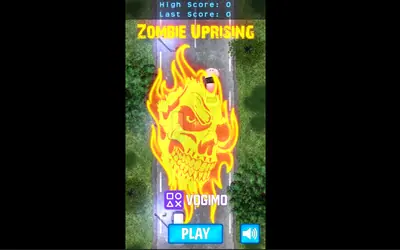
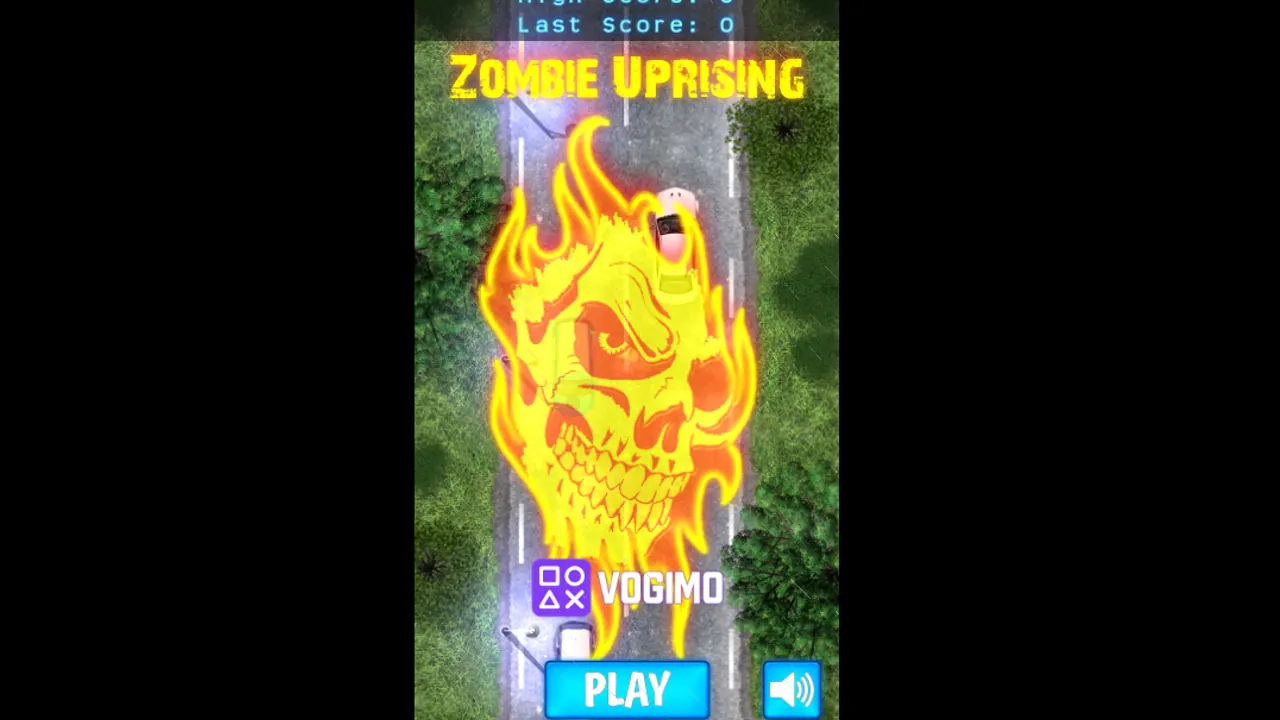
Zombie Uprising looks straight down on a ruined road lined with trees, wrecked cars and debris, with a row of barricades near the bottom. The undead come in from the top of the screen, and each click or tap puts one down in a splash of red. Along the top, the game tracks your score, the time survived, the level you have reached and a Life counter, so every zombie that slips past matters.
How to play Zombie Uprising
- Start a run and keep your eyes on the top of the road, where the undead appear.
- Click or tap each zombie to take it down before it gets further down the road.
- Keep your Life counter from running out, since zombies that get through cost you.
- Survive long enough and the Level number climbs, with your score and time shown beside it.
Controls
| Click / tap | Hit a zombie |
|---|---|
| Pause button (top bar) | Halt the run |
Tips to play better
- Keep your cursor or thumb near the top of the road, where zombies first come into view.
- Take down the zombie that has made it furthest down the road first.
- Glance down the road between hits to make sure nothing has slipped past toward the barricades.
- Stay steady as the level number rises; accurate taps beat frantic clicking.
Zombie Uprising gameplay video

Gameplay recorded by the Vogimo team.
Zombie Uprising FAQ
What kind of game is Zombie Uprising?
A top-down zombie defense game on a tall screen. The road does not scroll; you stop the undead by clicking or tapping them as they come down it.
What do the numbers at the top mean?
Score and Time show how the current run is going, Life is how many lives you have left, Level climbs as the run goes on, and High Score keeps your best result.
Game not loading or no sound? Fix a browser game that won't load
Game running slowly? How to fix lag in browser games