Keyboard vs Touch Controls: Which Is Better for HTML5 Games?
Whether keyboard or touch controls is a basic black-or-white issue - if it actually were one… The “better” option is going to depend on what you’re building, who’s playing and where. A platformer on a laptop? Keys in a…
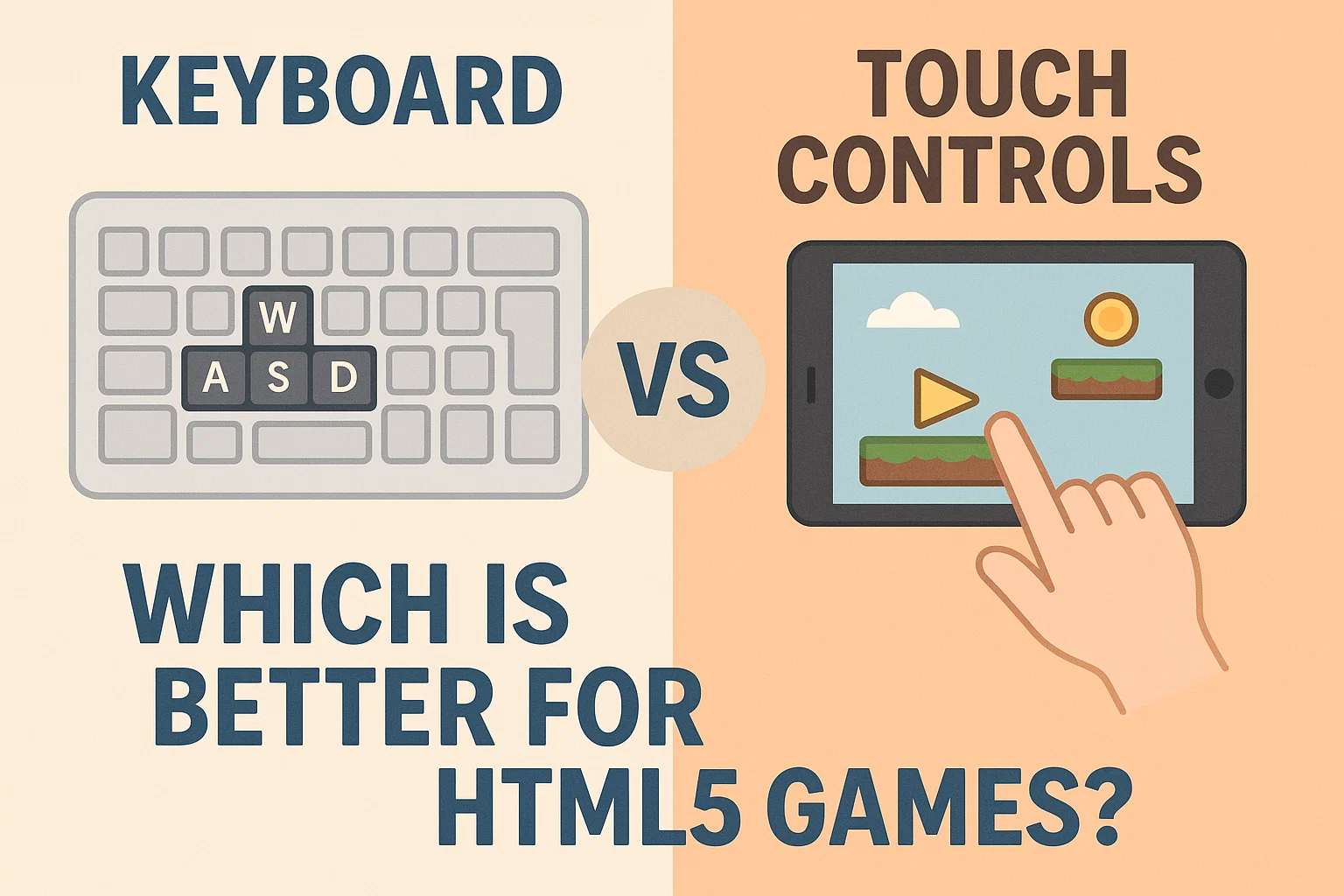
Whether keyboard or touch controls is a basic black-or-white issue - if it actually were one… The “better” option is going to depend on what you’re building, who’s playing and where. A platformer on a laptop? Keys in a complete breeze. An idle clicker or swiping runner on a phone during a bus commute? Touch almost certainly feels right. The messy middle is where most HTML5 games reside.
Keyboards provide a level of accuracy that touch screens often can’t replicate. WASD, along with a few others, gets you quick, discrete inputs that will never overlap. You can bunny-hop in a shooter, or strafe, or change weapons, or hit reload without really considering. “There’s also that tactile feedback — pressing a spacebar just does not equal tapping glass,” he said. Genres that are FIRM on timing (rhythm games, rhythm/arcade shooters, Puzzl’ Platformers) KEYBOARD will certainly reduce frustration and skill ceilings. Players can also map keys to their liking, an option that’s useful for left-handed individuals and anyone else with a unique setup.
Touch, by contrast, is instantaneous. No perihperals, no instructions— tap, swipe, pinch. The screen becomes the controller, which seems obvious enough but rewires pacing. Swiping to ink a path for towers or flicking a ball with your thumb, and the familiar pinch-zoom of a map, all feel organic in ways arrow keys seldom do. Casual games, puzzle games, narrative choices or endless runners normally thrive on such simplicity. They’re touch’s home turf: quick sessions — standing in line, riding the tram, hiding from a meeting.
Naturally, both have their downsides. Virtual joysticks attempt to emulate a D-pad, but frequently drift out from under your thumb; accuracy can suffer, particularly on smaller phones. Fatigue, however, is real: Long press-and-drag sessions tire thumbs and smear screens. Keyboards aren’t perfect either. The tendency of some key combinations to “ghost” is well known among low-end laptops. External keyboards solve that, and just add another piece of hardware your audience may not have. And if your HTML5 game is hosted in a site most of the users open on their mobile, default keyboard first might reduce its reach quietly.
Genre is more important than we’re willing to admit. Precision platformer? Keyboard. Turn-based tactics? Both are fine, but touching those clear tap targets can be satisfying. Real-time strategy in a browser seems to love keyboard/mouse (touchscreen friendly command wheel might surprise!). Splitting the sports and racers: on phones, tilt and swipe steering can be fun; time-attack runs with hairpin turns often pine for a physical key.
There’s also discoverability. Players won’t have to search for a buried controls menu. Onboarding should present its inputs contextually: an animated swipe for dash, a brief “Press Space to jump” overlay, then vanish. That simple beats-based touch-tap design not only looks beautiful but also feels incredible—small touches like interpreting button presses drawn out on screen when a key is tapped (or rippled when it’s touched) assure players the game picked up what they laid down.
If the new stuff is not yet clear, and you’re building today, the safe bet might not be to pick just one — it’s to adapt. Detect the device and expose sane defaults: use keyboard-driven prompts on desktop, touch driven UI on mobile. Allow players to change on-the-fly. Provide remind re-map, adjust sensitivity and left-hand modes. Make touch targets big (at least a thumb wide), space them so that mis-taps are rare and don’t stack gestures on top of each other. Keyboard support: Follow typical expectations (WASD/Arrows, Space/Enter), don’t penalise people with a one-hand preference.
In summary, keyboard will probably be better for nailing precision and depth; touch is great for approachability and flow. The finest HTML5 games honor both — and, more importantly, quietly get out of the player’s way.