
















Stock the kitchen and open for the first guests
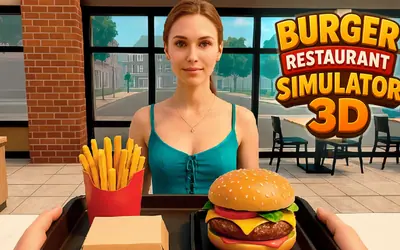
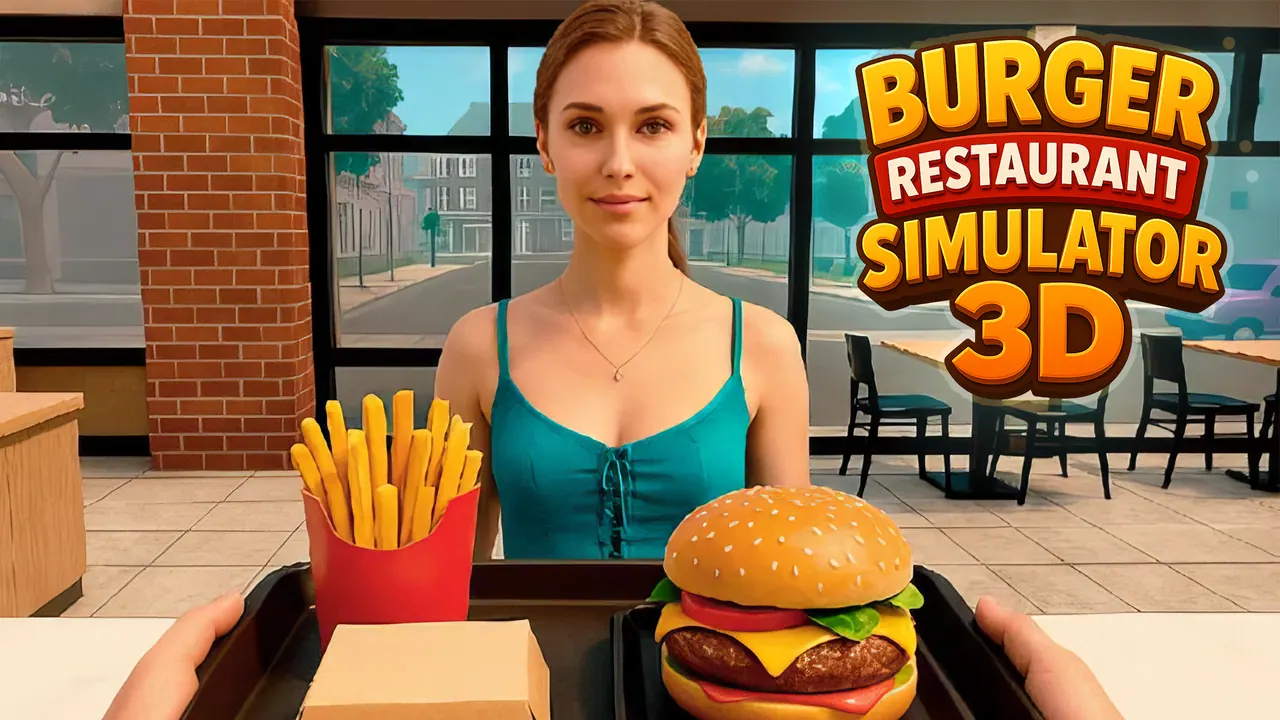
Burger Restaurant Simulator 3D lets you run a diner from a first-person view. You start on a sunny town street, walk into a dining room of wooden tables and a red counter, and follow a chef mascot's tutorial: the first job is fetching a box of buns to get ready for guests. A calendar shows the day and time, cash grows with each finished task, and there is a shop and a task list.
How to play Burger Restaurant Simulator 3D
- Walk with W A S D and look around with the mouse.
- Follow the chef's tutorial tasks, starting with taking the box of buns.
- Grab items with E and throw them with F, or use the on-screen buttons.
- Open the shop with M and the task list with J.
Controls
| W A S D | Walk |
|---|---|
| Mouse | Look around |
| E / F | Grab / throw |
| M / J / P | Shop / tasks / settings |
| Tab | Show the cursor |
| On-screen buttons (tap) | Grab and throw on a touch screen |
Tips to play better
- Keep the task list open early on; it tells you what the restaurant needs next.
- Each finished task adds cash, which pays for supplies in the shop.
- Press Tab when you need the mouse cursor for menus.
Advertisement
Burger Restaurant Simulator 3D FAQ
Is Burger Restaurant Simulator 3D played in first person?
Yes. You walk around the street and the restaurant through your own eyes.
What is the first task?
Getting ready for guests by taking the box of buns, as the chef's tutorial explains.
Advertisement