






















Klondike, Spider and FreeCell on one card table
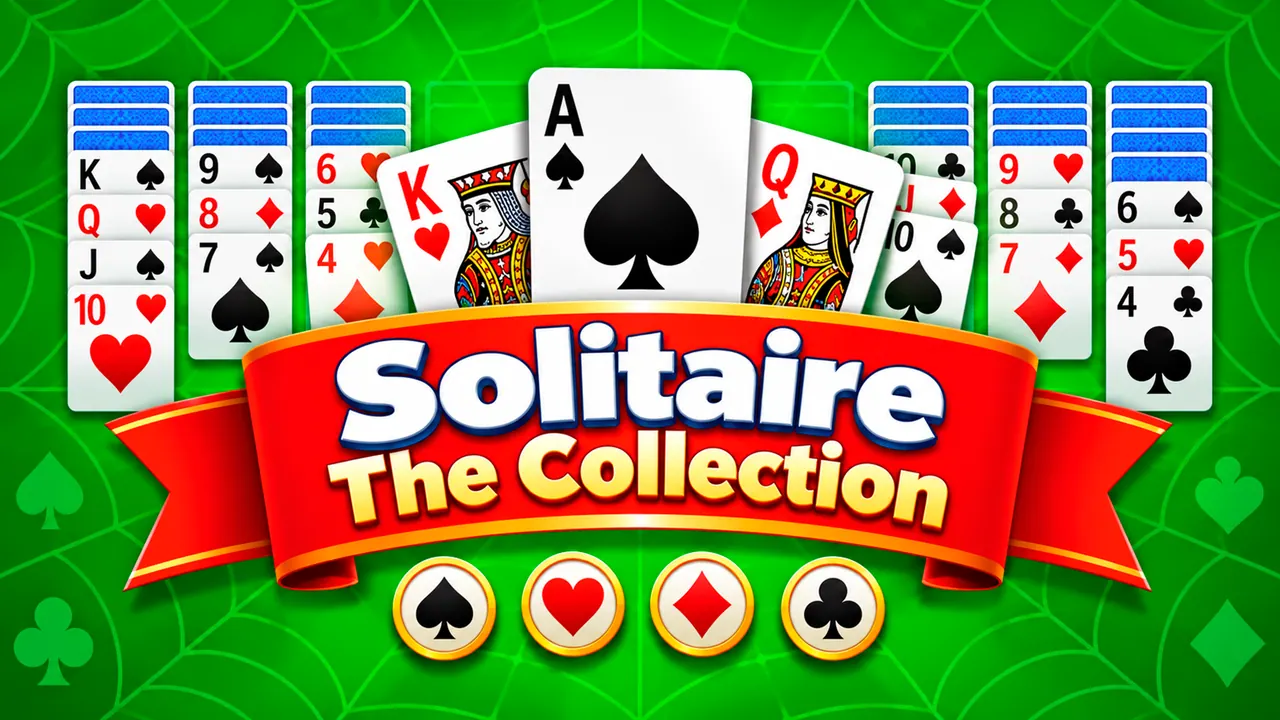
Solitaire: The Collection gathers three patience games on one green felt table. On the first visit you choose between Spider, FreeCell and classic Klondike, and the Games button switches between them later. The Klondike table has four Ace foundations, a stock pile and seven columns, with a timer and a move counter running at the bottom. Newcomers can take a four-part lesson that walks through the rules.
How to play Solitaire: The Collection
- Pick Spider, FreeCell or Solitaire (Klondike) on the welcome screen.
- Move cards between the columns and build each foundation up from Ace to King.
- In Klondike, turn cards from the stock pile in the corner when you run out of moves.
- Use Hint or Undo from the bottom bar, or press + to deal a new game.
Controls
| Click / tap | Select and move cards |
|---|---|
| Games button | Switch between Klondike, Spider and FreeCell |
| Hint, Undo and + buttons | Show a move, take one back, deal again |
Tips to play better
- Take the lessons if you are new; they show the goal of moving every card to the foundations.
- Free Aces and twos early so the foundations can start growing.
- Turn over face-down cards in the long columns whenever you can.
- The timer and move counter at the bottom let you compare one game with the next.
Advertisement
Solitaire: The Collection FAQ
Which games are in Solitaire: The Collection?
Three: Klondike (listed as Solitaire), Spider and FreeCell. You choose one at the start and can switch with the Games button.
Is there a tutorial?
Yes. The game offers four interactive lessons that explain how to move all cards to the foundations from Ace to King.
Advertisement