






















Open the door and play house with the family
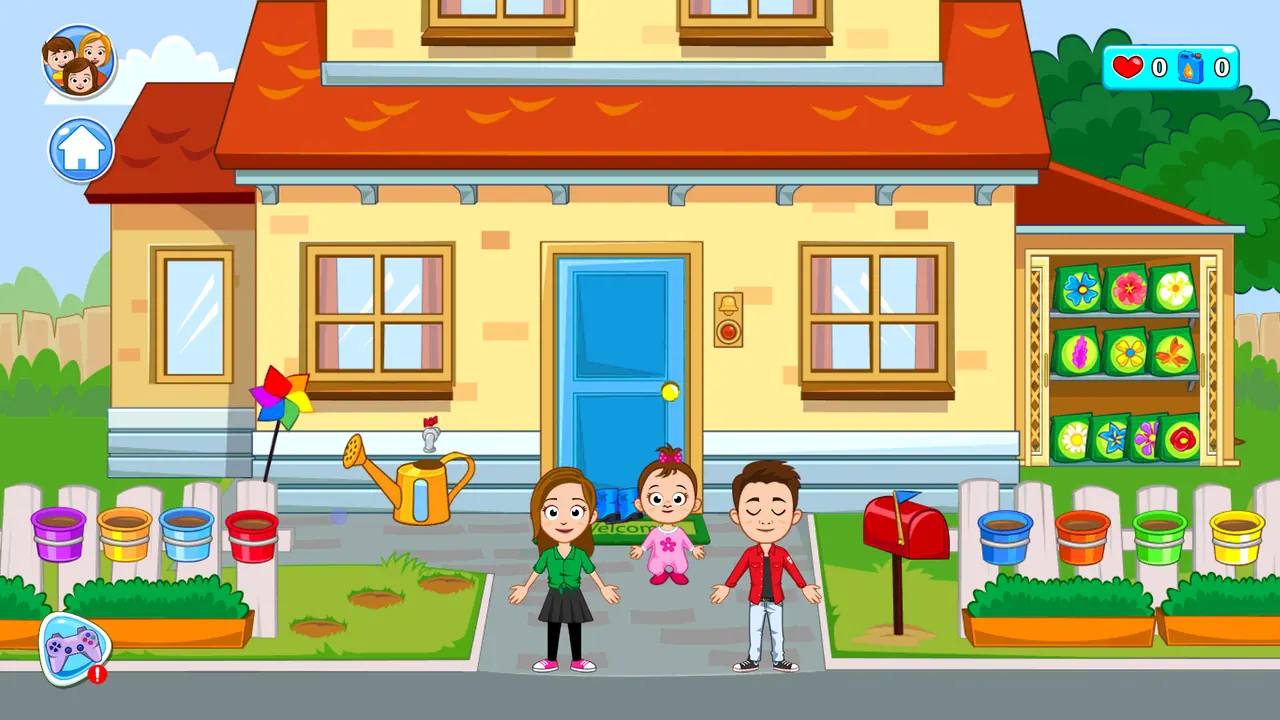
My Town Home: Family Playhouse is a pretend-play game that starts outside a cosy two-storey house. A mum, a dad and a toddler wait on the front path, next to a red mailbox, a watering can, garden beds and a shelf of seed packets. Tap the blue door and an arrow takes you inside to a living room with a TV, a sofa, a cuckoo clock, a wall phone and stairs, where new things are pointed out.
How to play My Town Home: Family Playhouse
- Wait for the My Town logo to load, then look around the front garden.
- Tap the blue front door, then the arrow that appears, to walk inside.
- Look around the living room with its TV, sofa, cuckoo clock, phone and stairs.
- Try the extras marked NEW, such as the album shown on the first visit.
- Use the arrow beside the door to go back outside.
Controls
| Tap / mouse click | Open doors, follow arrows and pick things |
|---|
Tips to play better
- Tap doors and arrows to move between the garden and the rooms.
- Look out for the NEW bubble; it points to something you have not tried yet.
- There is no timer on the house screens, so younger players can explore at their own pace.
Advertisement
My Town Home: Family Playhouse FAQ
How do I go inside the house?
Tap the blue front door. It opens and an arrow appears, and tapping the arrow takes you into the living room.
What is My Town Home like?
It plays like a digital dollhouse: a family, a house with a garden and rooms to explore, without a score or a timer on the screens shown.
Advertisement