






















Move Kiki in and make her room cute
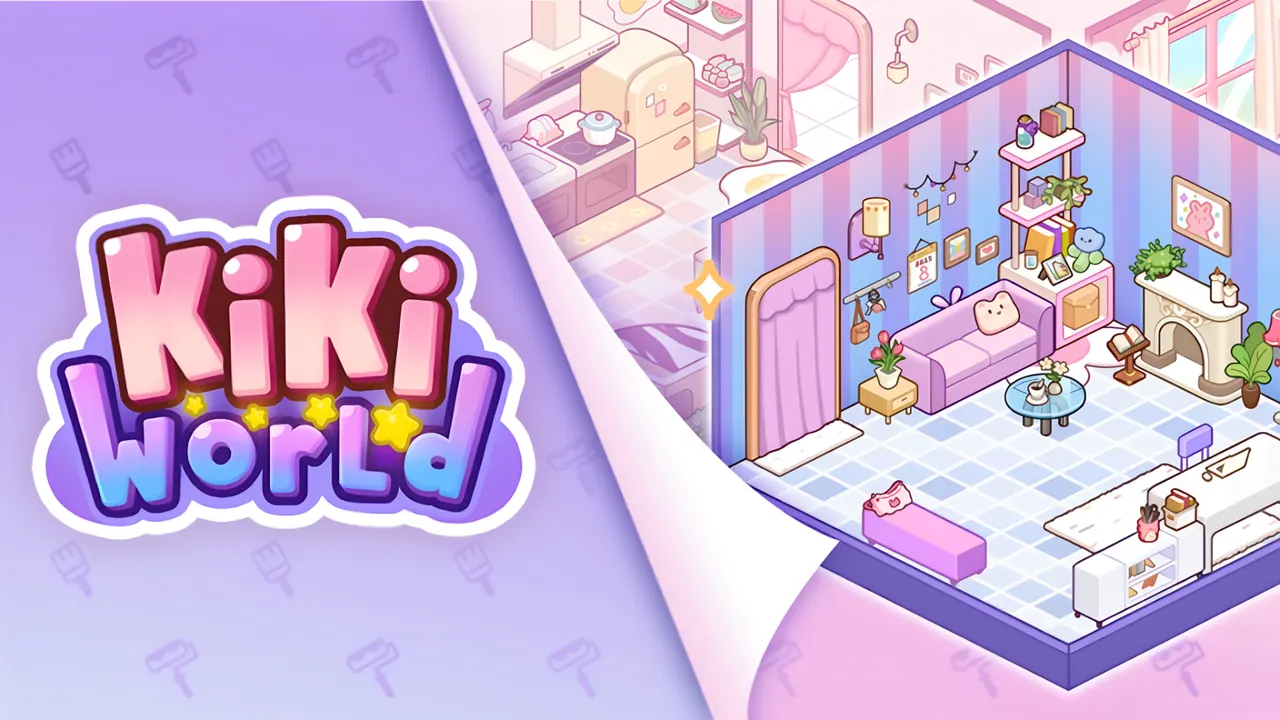
Kiki World: Kawaii Doll Decor follows Kiki, a blonde girl in a frilly purple dress, as she arrives in a new town full of hope. Her first home is an isometric room with a plain bed, an old armchair, a desk and a window. Decor mode opens a catalogue of rugs, floors and furniture to place, while an Order clipboard lists tasks. A capybara friend turns up on the loading screens.
How to play Kiki World: Kawaii Doll Decor
- Read Kiki's lines as she moves into her new room.
- Press Decor to open the catalogue.
- Choose rugs, floors and furniture from the category tabs and place them in the room.
- Press Save to keep your design, and check the Order board for tasks.
Controls
| Click / tap | Pick items and press buttons |
|---|---|
| Drag (mouse or finger) | Place and move items |
Tips to play better
- Start by replacing the old furniture, as Kiki suggests.
- Use the undo arrow if an item ends up in the wrong place.
- Items marked with a video badge unlock by watching an ad.
Advertisement
Kiki World: Kawaii Doll Decor FAQ
Who is Kiki in Kiki World?
A kawaii doll character who has just moved to Kiki World and needs her room set up.
Can I undo a change?
Yes. Decor mode has an undo arrow, a trash button and a Save button.
Advertisement