















Turn each client into the monster she wished for
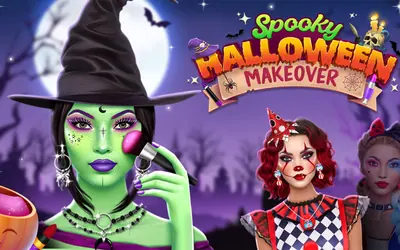
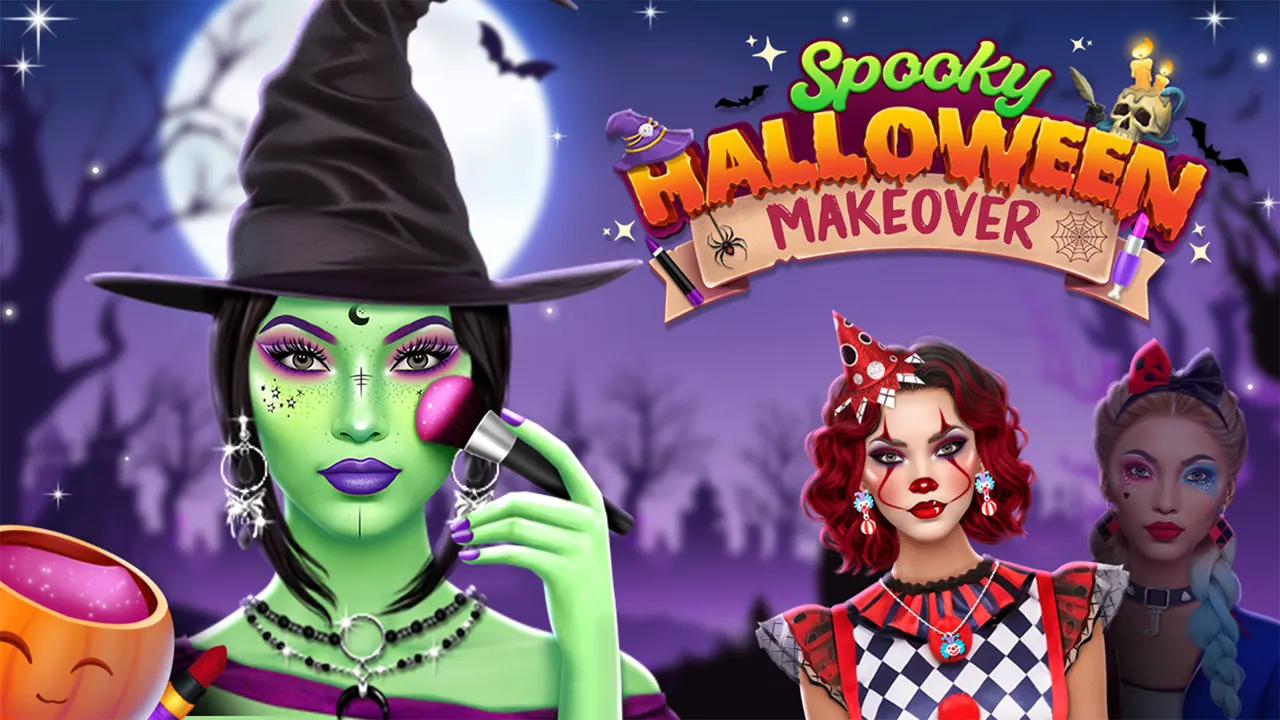
Spooky Halloween Makeover is a salon game with a seasonal twist. Each client arrives with a wish, such as Vera, who wants a vampire look, and three wishes stay pinned to the corner: an outfit, a hairstyle and a headpiece. The makeover runs through about ten steps on a detailed 3D model, starting with choosing a skin tone and dabbing cream onto marked spots, before moving on to makeup and the costume itself.
How to play Spooky Halloween Makeover
- Read the client's wish card and press Let's Go.
- Pick a foundation shade for her skin tone.
- Drag the cream bottle onto each sparkle to apply it.
- Work through the remaining steps, matching the wishes in the corner.
Controls
| Click / tap | Choose products and items |
|---|---|
| Drag (mouse or finger) | Apply cream and use tools |
Tips to play better
- Keep the three wish icons in mind; they show the outfit, hair and headpiece the client wants.
- Some products carry a video icon, which means they unlock by watching an ad.
- The progress bar at the top fills as you treat each marked spot.
Advertisement
Spooky Halloween Makeover FAQ
What looks can clients ask for in Spooky Halloween Makeover?
Halloween costumes; the first client, Vera, wanted a vampire look.
How many steps does a makeover have?
About ten, shown as dots along the top of the screen.
Advertisement