







Hair, makeup, outfits and a disco photo shoot
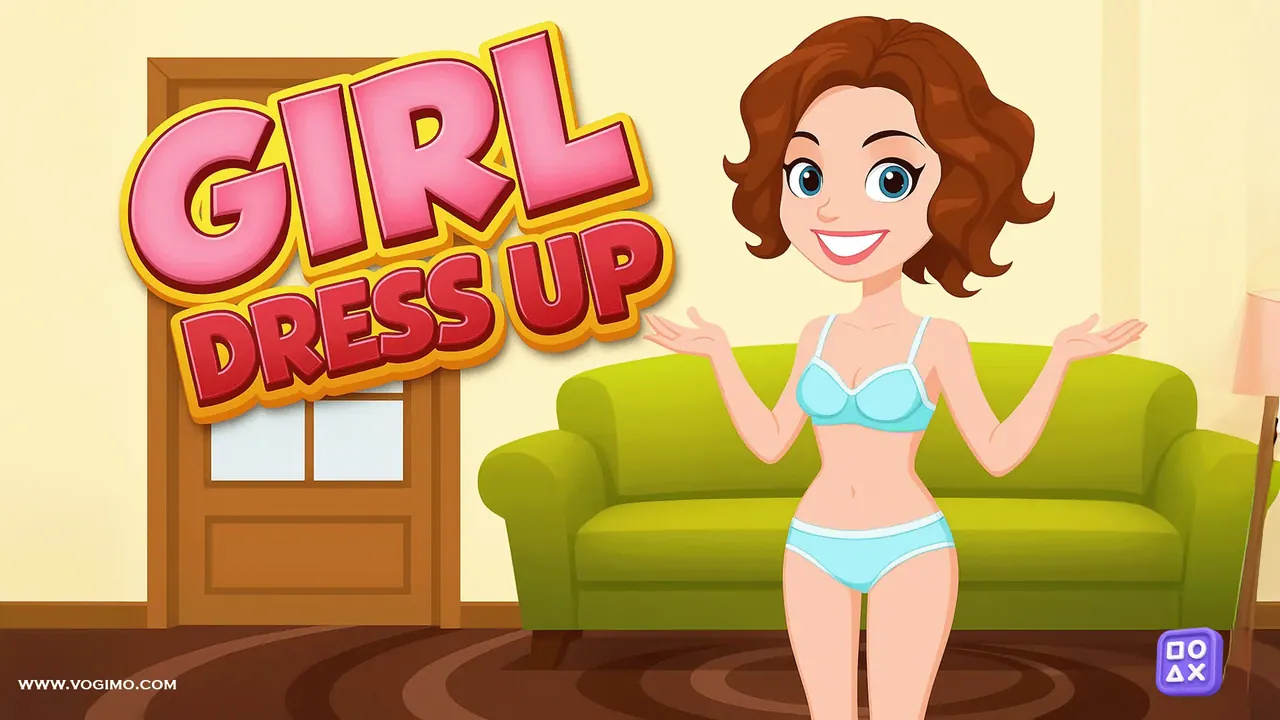
A wardrobe of close to 200 items waits in Girl Dress Up, sorted into about a dozen categories. Change your model's hairstyle, hair color and eye color, add glasses, choose a dress or a top with jeans, then finish with shoes, makeup and nail polish. When the look is ready, switch to photo mode and see how it holds up in a neon-lit disco scene.
How to play Girl Dress Up
- Open a category, such as hair, tops or shoes, to see what is inside.
- Click or tap an item to put it on your model; choose another to swap it out.
- Build the outfit piece by piece, from the main clothes to the finishing touches.
- Go to photo mode to show off the finished look in the disco scene.
Controls
| Mouse click | Open a category or put on an item |
|---|---|
| Tap / swipe | Pick items and scroll through options on touch screens |
Tips to play better
- Choose the base first, either one dress or separates like a top with jeans, and build everything else around it.
- Let one bold piece, like glittery shoes or bright lipstick, lead the look and keep the rest calmer.
- Echo a color: nail polish or glasses that pick up a shade from the outfit tie it together.
- Check the look in photo mode before you call it done, because the neon lights change how colors read.
Advertisement
Girl Dress Up gameplay video

Gameplay recorded by the Vogimo team.
Girl Dress Up FAQ
What can I change on the model in Girl Dress Up?
Hairstyle, hair color and eye color, plus glasses, dresses, tops, jeans, shoes, makeup and nail polish.
Is there a way to show off a finished outfit?
Yes. Photo mode places your model in a neon-lit disco scene, so you can see the whole look on display.
Advertisement