








Pair up snowmen, trees and gingerbread cards
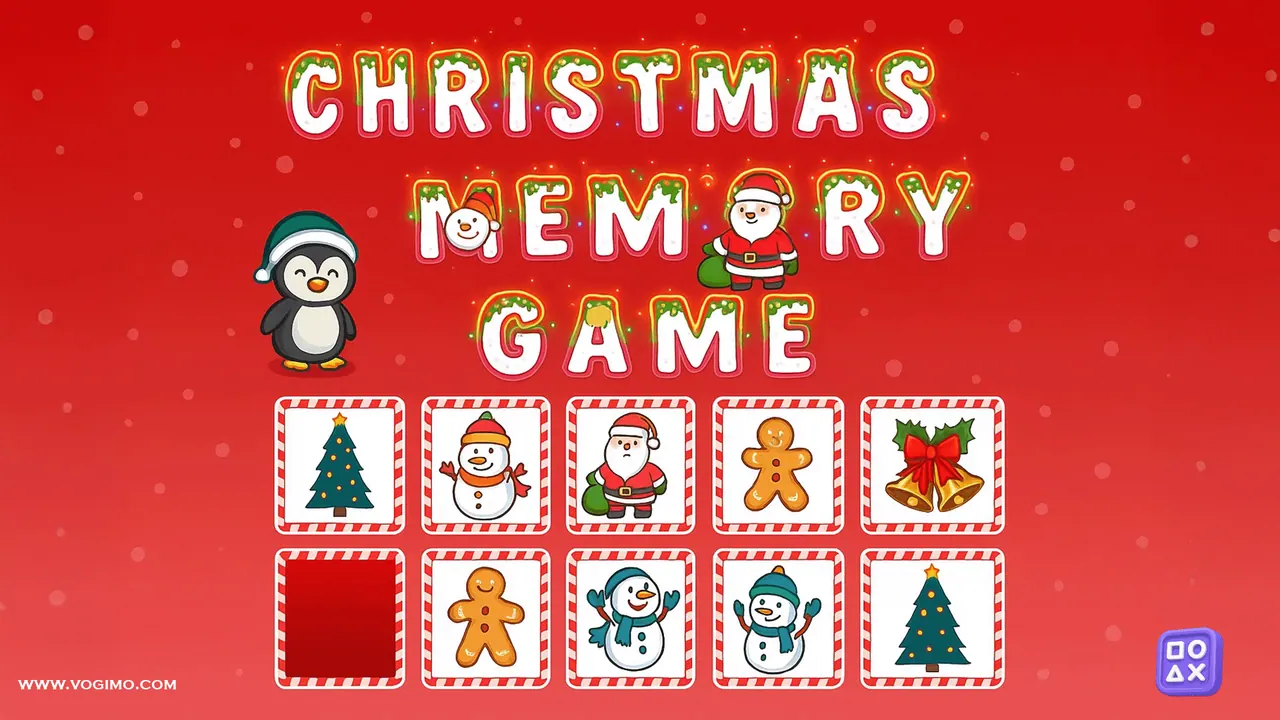
Behind every card in Christmas Memory hides a holiday picture, from snowmen and gingerbread men to Christmas trees. You turn over two cards at a time looking for twins; matched cards stay face up, while misses flip back and wait for your memory to do better. No reading is needed, so young children can play alone or team up with a parent.
How to play Christmas Memory
- Pick any card to show the picture underneath.
- Turn a second card and see whether it is the twin.
- A matching pair stays face up; two different pictures flip back after a short look.
- Uncover every pair to complete the grid, using as few turns as you can manage.
Controls
| Mouse click / tap | Turn a card over |
|---|
Tips to play better
- Start with the four corner cards; they make easy landmarks for remembering the cards in between.
- Give each card a half-second look before turning the next one, because rushing is what erases positions.
- With young players, ask them to point to where they think the twin is before they flip, then check together.
Advertisement
Christmas Memory gameplay video

Gameplay recorded by the Vogimo team.
Christmas Memory FAQ
Does my child need to read to play Christmas Memory?
No. Every card is a picture, so even preschoolers can play, with a grown-up helping them remember which spots they have already checked.
Why do the cards flip back over?
Because the two pictures you turned did not match. Note where each one was, since its twin is still somewhere in the grid.
Advertisement