





















A festive World Tour run past London's red trains
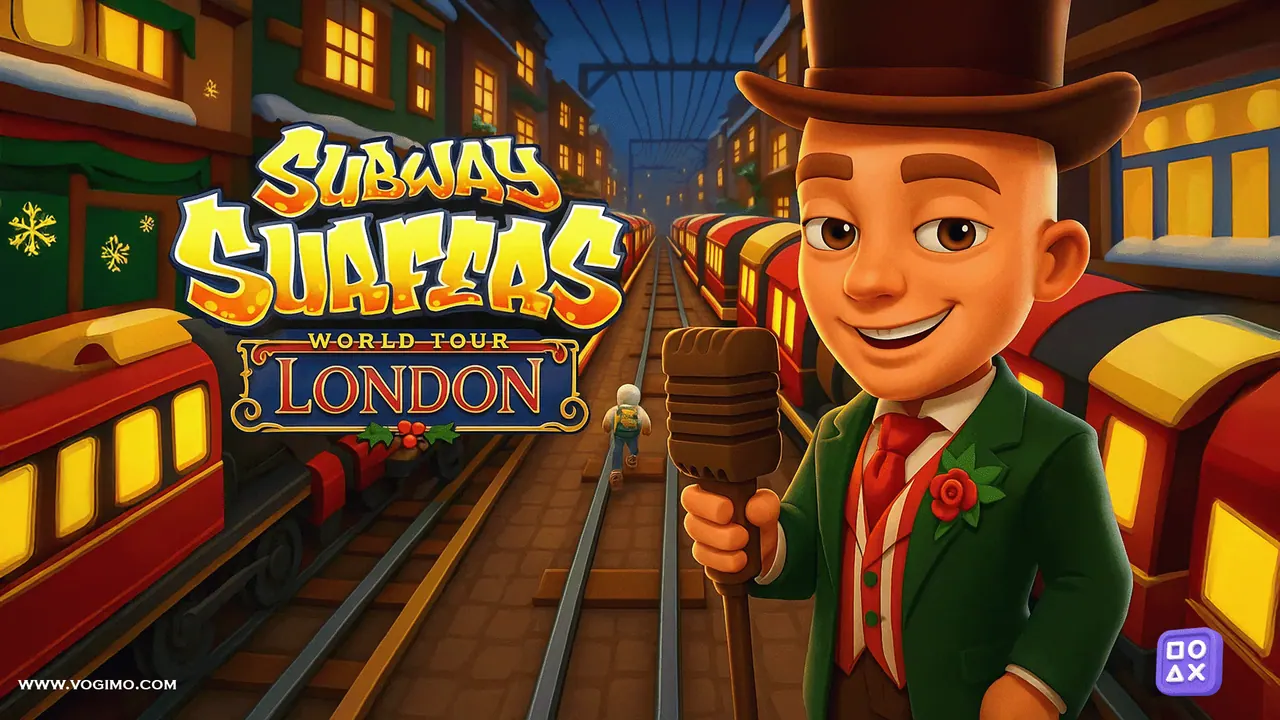
Subway Surfers London is a World Tour edition that moves the chase to a wintry London rail line. Red carriages with glowing windows, snowflake decorations and old brick buildings frame the tracks. The running works as in the other editions: three tracks, trains in your way, coins to pick up and a guard close behind. Before the first run, the game asks for your birth month and year.
How to play Subway Surfers London
- On the first screen, set your birth month and year with the arrows and press OK.
- Start a run and move between the three tracks to stay clear of trains and barriers.
- Jump over low obstacles and roll under high ones.
- Pick up coins as you go; the first crash ends the run.
Controls
| Left / right arrows | Change track |
|---|---|
| Up arrow | Jump |
| Down arrow | Roll |
| Swipe (touch screens) | Move, jump and roll the same way |
Tips to play better
- Give the game a few seconds after the age screen; it loads its own menu before the first run.
- Make one move at a time and let the runner land before the next one.
- Start a roll a little before a barrier rather than right at it; the roll needs a moment to begin.
- Use the straight stretches between trains to line up with the next row of coins.
Subway Surfers London gameplay video
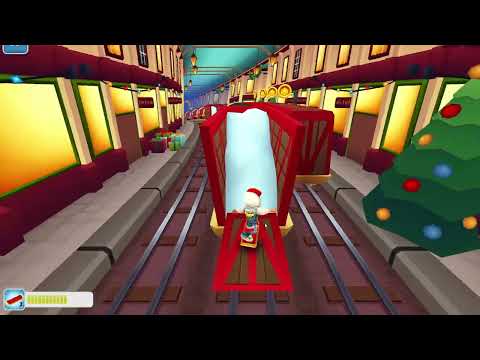
Gameplay recorded by the Vogimo team.
Subway Surfers London FAQ
Why does Subway Surfers London ask when I was born?
The age screen belongs to the game and appears before the first run. Pick a month and a year with the arrows, then press OK to reach the menu.
How is the London edition different from Subway Surfers Classic?
The running, jumping and rolling are the same. The tracks are dressed for winter in London, with red trains, snowflake decorations and old brick buildings.