





Four AI levels, online games and puzzles
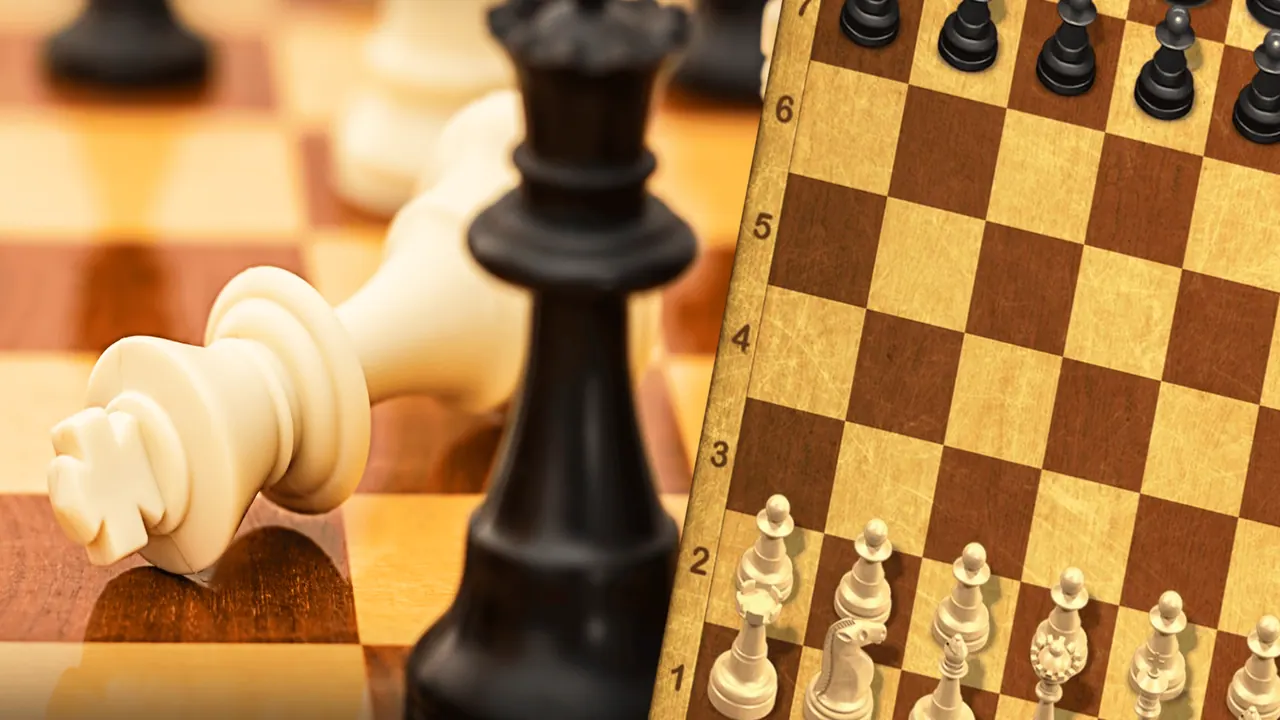
Master Chess gathers several ways to play on one menu. Multiplayer finds an opponent online, Play Local passes the device between two people, and Training sets you against the computer at Beginner, Amateur, Professional or Master strength, with a choice of colour and clock. Analyze lets you study finished games, and Chess Quiz serves puzzles. The board is a classic wooden set with lettered and numbered edges.
How to play Master Chess
- Choose a mode: Multiplayer, Play Local, Training, Analyze or Chess Quiz.
- In Training, pick white, random or black, a game time and a difficulty.
- Click a piece to light up its legal squares, then click one of them to move.
- Use the undo arrow beside the board to take back a move.
Controls
| Mouse click / tap | Select a piece and its target square |
|---|---|
| Undo arrow | Take back a move |
Tips to play better
- Start Training on Beginner to get used to the board, then move up a level.
- Selecting a piece shows every square it can reach, which helps new players learn the moves.
- Try Chess Quiz for short puzzles between full games.
Advertisement
Master Chess FAQ
Can two people play Master Chess on one screen?
Yes. Play Local is made for two players on the same device.
How strong is the computer?
Training has four levels: Beginner, Amateur, Professional and Master.
Advertisement