










Aim, let go and send your panda flying into every foe
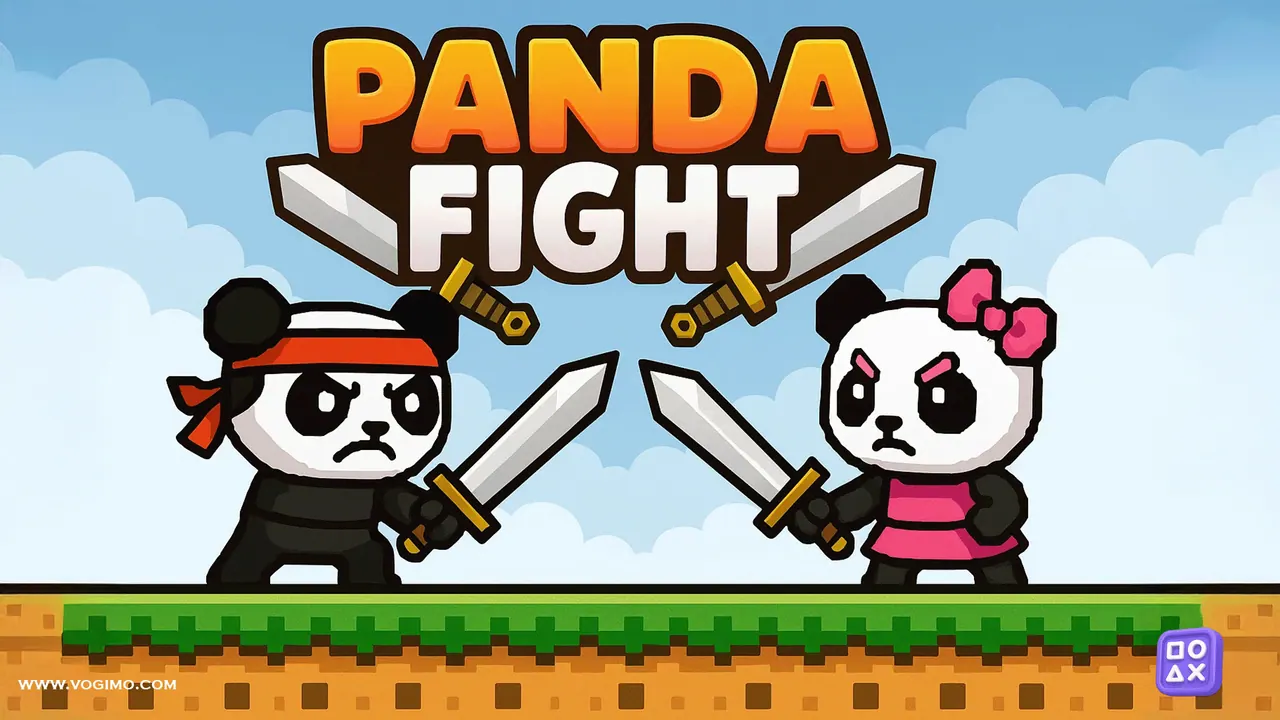
In Panda Fight, a pixel-art action puzzle, your ninja panda in a red headband is the projectile. An aiming circle appears around it; pick a direction and strength, let go, and it sails across a sky of clouds and mountains toward the enemies. Counters at the top track the stars you have grabbed out of five, your moves and the enemies in the level.
How to play Panda Fight
- Touch or click the title screen to start.
- Press on your panda and drag inside the aiming circle to choose the direction and power of the launch.
- Release to send it flying; each launch is counted on the moves counter at the top.
- Crash into the enemies to take them out, and keep an eye on the enemy counter in the top right.
- Grab the stars along the way, five per level, for a better result.
Controls
| Mouse press, drag, release | Aim and launch the panda |
|---|---|
| Touch drag | Aim and launch on phones and tablets |
Tips to play better
- Angle matters more than power; a well-aimed medium shot beats a full-strength guess.
- Plan a route that passes a star on the way to an enemy, so one launch does two jobs.
- A tiny pull makes a small, controlled hop when you only need to adjust your position.
- Watch the moves counter; fewer, better-aimed launches make for a cleaner run.
Advertisement
Panda Fight gameplay video

Gameplay recorded by the Vogimo team.
Panda Fight FAQ
What do the counters at the top of the screen mean?
The star on the left counts the stars you have collected out of five, the middle shows your moves, and the enemy head on the right tracks the foes in the level, such as 1/4.
Should I always launch at full power?
No. Full power magnifies any aiming error and can send the panda sailing past its target. Shorter pulls give you far more control.
Advertisement