



















Empty your hand of dominoes before your rival
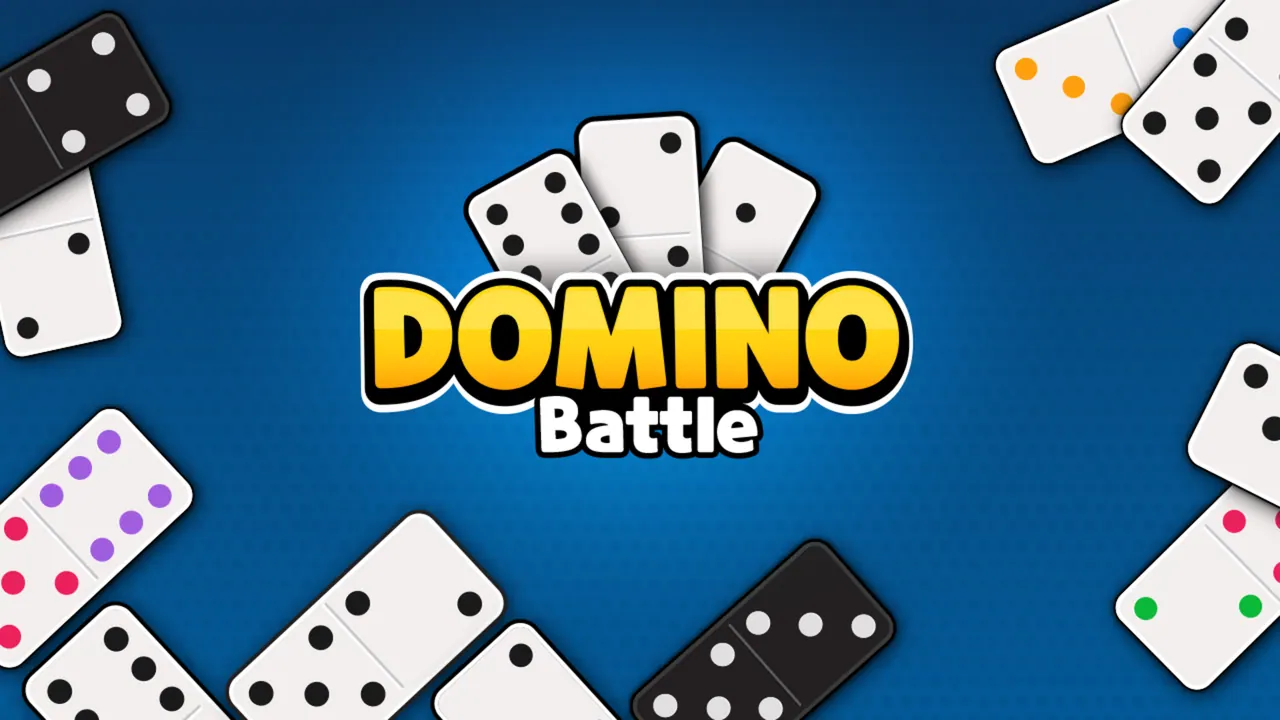
Domino Battle is a clean two-player dominoes table against the computer. Each round deals seven tiles to each side, and the line of tiles grows from both ends as you match pips. Your playable tiles light up white while the rest stay grey. Block mode makes a stuck player pass, while Draw mode sends them to the boneyard until a tile fits. The first to 100 points wins the game.
How to play Domino Battle
- Choose Block or Draw on the menu, or read the Tutorial and Instructions first.
- Click a bright domino in your hand to lay it on a matching open end.
- If nothing fits, Draw mode has you take from the boneyard and Block mode makes you pass.
- Play out all your tiles before the computer to win the round.
- Keep winning rounds until someone reaches 100 points.
Controls
| Click / tap a lit domino | Play it |
|---|---|
| Info and pause buttons | Rules and pause |
Tips to play better
- Lay your heavy tiles early; when both sides are stuck in Block mode, the lower pip total wins the round.
- Keep a spread of numbers in your hand so you have answers for both ends of the line.
- A 100:0 win pays 1000 coins, according to the instructions.
Advertisement
Domino Battle FAQ
What is the difference between Block and Draw in Domino Battle?
In Block a player who cannot play passes, and if both are stuck the lower pip total wins the round. In Draw you take tiles from the boneyard until one fits.
Who starts a round?
The player holding the higher double. If nobody has a double, the highest tile starts.
Advertisement