





















Pick a ship, dodge the planets, stack up gold bars
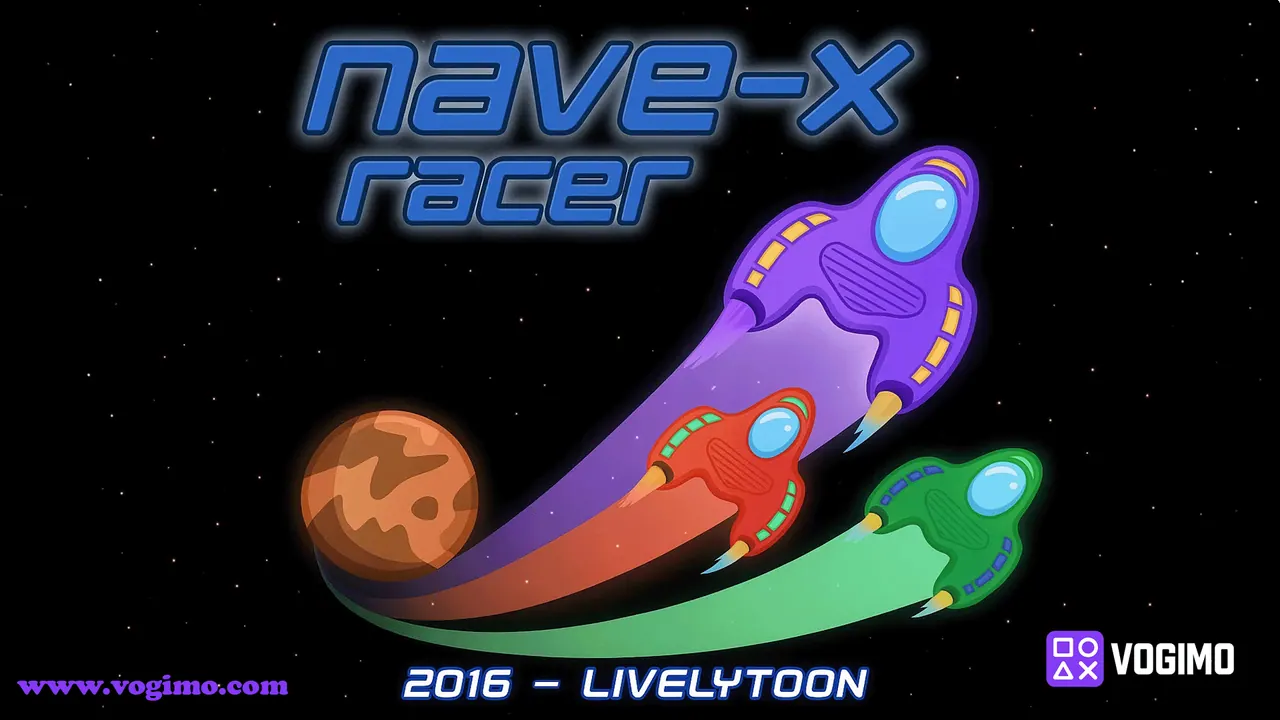
Nave-X Racer starts by letting you choose a purple, green or red ship, then sends it flying through a starry stretch of deep space. Planets and alien craft come down from the top of the screen, and your job is to slip past them while gold bars float by for the taking. The score in the middle keeps ticking up, so every run becomes a race against your last one.
How to play Nave-X Racer
- Choose a ship color and press OK to launch.
- Drag left or right to move your ship out of the path of planets and alien craft.
- Pick up gold bars when they are safe to reach; the counter in the top corner tallies them.
- Keep flying to push the score up, and start again after a collision ends the run.
Controls
| Mouse drag | Slide the ship left and right |
|---|---|
| Finger drag | Steer on a touch screen |
Tips to play better
- Park your pointer or finger around the center line between moves; it keeps each correction short.
- Watch the top edge of the screen, where new planets and ships first appear, rather than your own ship.
- Skip gold bars that sit off your safe line, since one greedy swerve can cost the whole run.
- Use small, steady drags instead of big flicks, especially when two obstacles arrive close together.
Advertisement
Nave-X Racer gameplay video

Gameplay recorded by the Vogimo team.
Nave-X Racer FAQ
How is the score worked out in Nave-X Racer?
The number in the middle of the screen climbs while you keep flying, and gold bars are tallied separately in the top corner.
Is a mouse or a touch screen better for this game?
Both work. A mouse gives very fine control, while touch feels natural on a phone as long as you keep your swipes short and re-center often.
Advertisement