





Find the ball, touch it, chase the high score
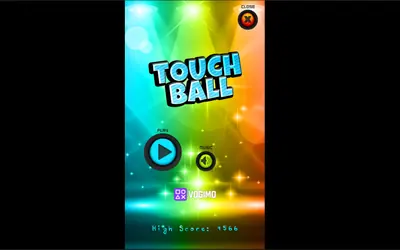
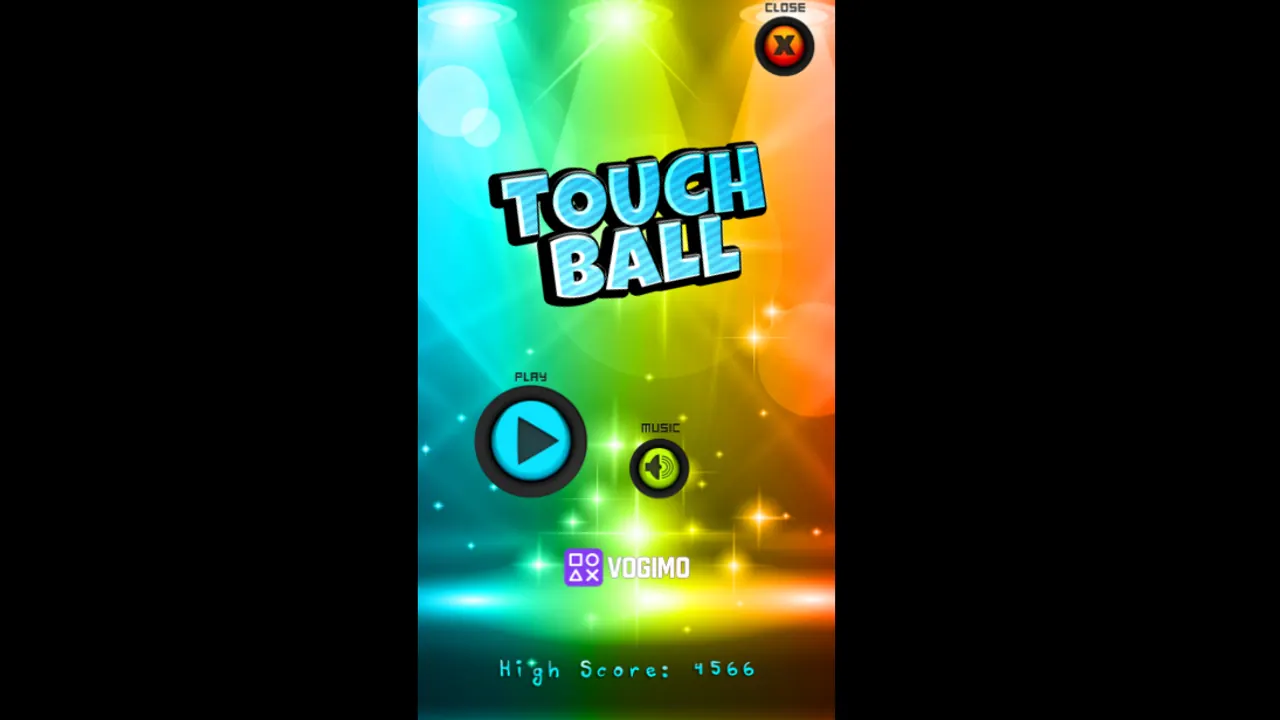
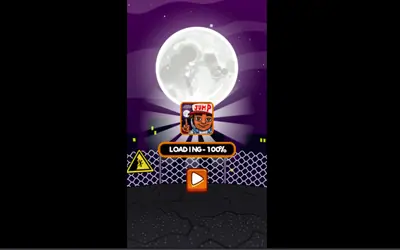
Touch Ball is a tiny reflex test played on a tall screen washed in neon stage lights. A single colored ball is in play, and your job is to put your cursor or finger right on it. The score runs along the top edge and the High Score line at the bottom keeps your record, so each round is a quick go at beating it.
How to play Touch Ball
- Hit the Play button under the logo to begin a round.
- Find the ball and click or tap directly on it.
- Keep touching the ball to push your score higher.
- When the round ends, press Play to go again or Close to leave; your best result stays on the High Score line.
Controls
| Click / tap | Touch the ball |
|---|---|
| Music button | Switch the soundtrack on or off from the title screen |
Tips to play better
- Between touches, park your finger or pointer near the middle of the screen so the ball is never far away.
- Watch the ball rather than your hand; aiming is easier when your eyes never leave it.
- Aim for the center of the ball, because its edge is easy to miss when you hurry.
- On a phone, play in portrait; the game is laid out for a tall screen, which gives the ball more room.
Advertisement
Touch Ball gameplay video

Gameplay recorded by the Vogimo team.
Touch Ball FAQ
Is Touch Ball better on a phone or a computer?
Both work, since the whole game runs on a click or a tap. The tall portrait layout fits a phone screen especially well, and on a computer a mouse click does the same job.
Can I play Touch Ball without music?
Yes. Tap the Music button beside Play on the title screen to turn the soundtrack off, and tap it again to bring it back.
Advertisement