




















Spell words from a stack of falling letter tiles
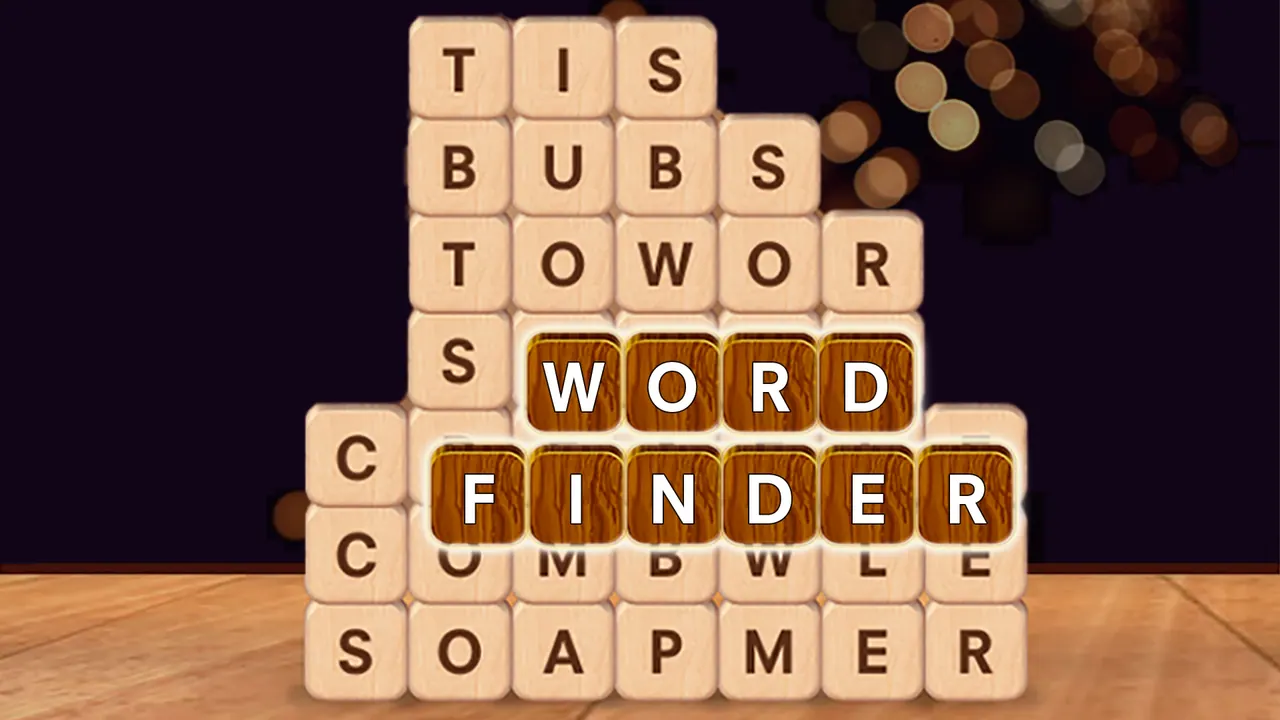
Word Finder hides its answers inside a stack of wooden letter tiles. Dots at the top of the screen show how many words the level holds and how long each one is. Swipe through neighbouring tiles to spell a word; the letters fly up into place, the used tiles disappear and the tiles above them drop down, so new words line up as the stack shrinks.
How to play Word Finder
- Look at the dots at the top: each row of dots is one word, and the number of dots is its length.
- Swipe through neighbouring tiles in order to spell a word, down a column or along a row.
- Watch the tiles above fall into the gap after a word is taken.
- Find every word to finish the level and add progress to the chapter reward.
Controls
| Swipe / drag across tiles | Spell a word |
|---|---|
| Back button | Leave the level |
Tips to play better
- Think about what will fall into the gap before you take a word; in level one the leftovers formed GREAT in a single row.
- Start with the word whose letters already sit in a straight line.
- Use the length of each row of dots to rule out words that do not fit.
Advertisement
Word Finder FAQ
How do I enter a word in Word Finder?
Swipe across the tiles in order without lifting your finger or mouse button. In the first level the game asks for WORD, spelled straight down a column.
What happens to the tiles after I find a word?
They vanish, and any tiles sitting above them drop down. That is how the leftover letters in level one turned into the word GREAT.
Advertisement