









Spot every hidden word, then try it against the clock
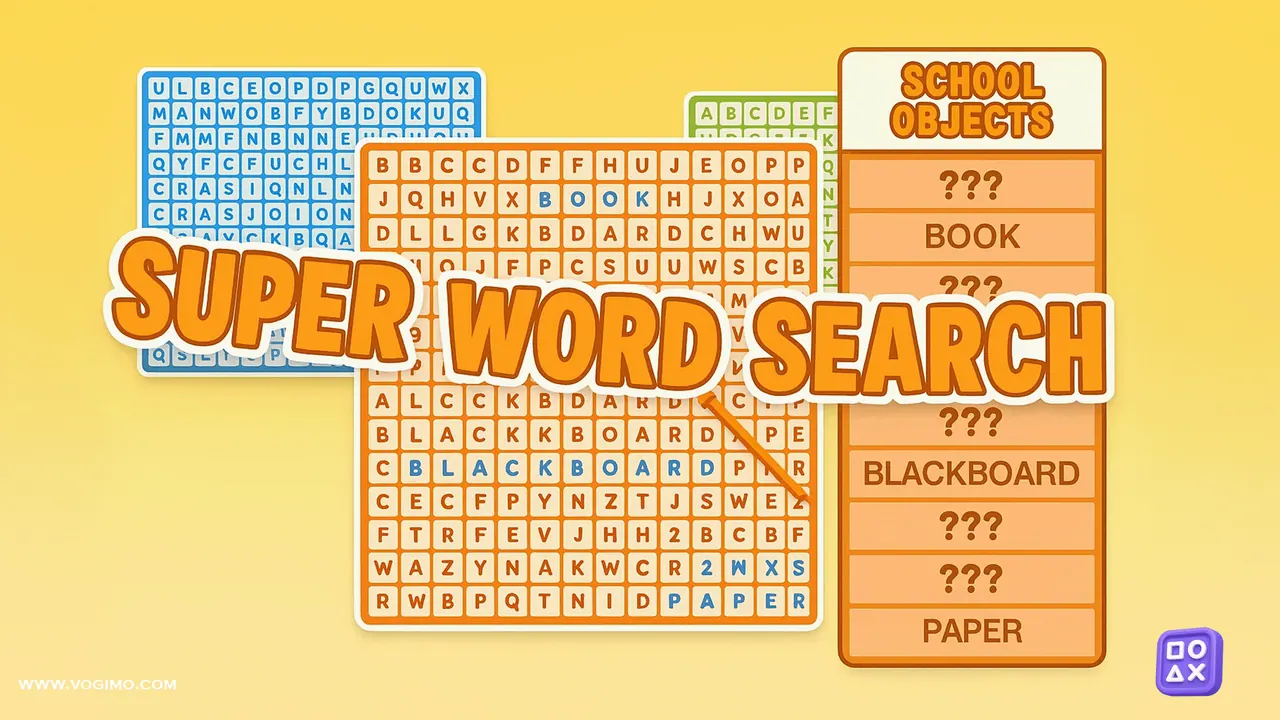
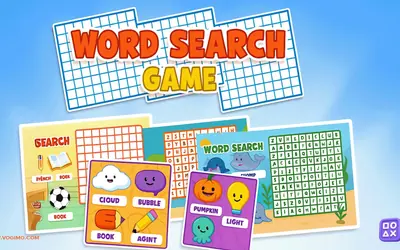
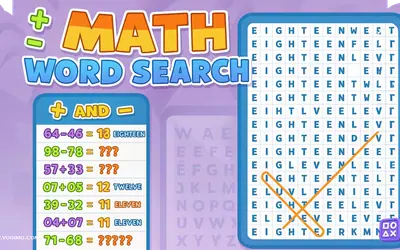
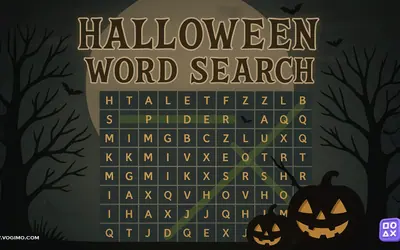
Super Word Search hands you a square of jumbled letters and a list of words hidden inside it. Find each one, drag across it, and watch it light up on the board. Three difficulty settings let you choose between a relaxed hunt on easy or medium and a timed hard mode, where quick finds are rewarded with a score multiplier.
How to play Super Word Search
- Choose easy, medium or hard before you start a puzzle.
- Read the word list, then scan the grid for each word, which may run forward, backward, up or down.
- Drag from the first letter of a word to its last to mark it.
- Find every word on the list to complete the puzzle, working fast in hard mode while the clock runs.
Controls
| Mouse drag | Select a word from its first letter to its last |
|---|---|
| Finger drag | Select words on a phone or tablet |
Tips to play better
- Hunt for words with rare letters such as Q, X, Z or J first; those letters stand out in the grid.
- When a word refuses to appear, check for it spelled backward.
- Sweep the grid one row at a time, then one column at a time, instead of letting your eyes wander.
- In hard mode, go after the long words while your eyes are fresh, then mop up the short ones.
Advertisement
Super Word Search gameplay video

Gameplay recorded by the Vogimo team.
Super Word Search FAQ
What is different about hard mode?
Hard mode adds a running clock and multiplies your score, so fast finds are worth more. Easy and medium let you search at your own pace.
Do the puzzles have themes?
Yes. Each word list follows a topic, which is a handy clue when you are hunting for the last few words.
Advertisement