






Drag pieces from the tray and rebuild the picture
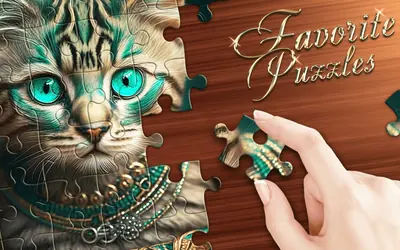
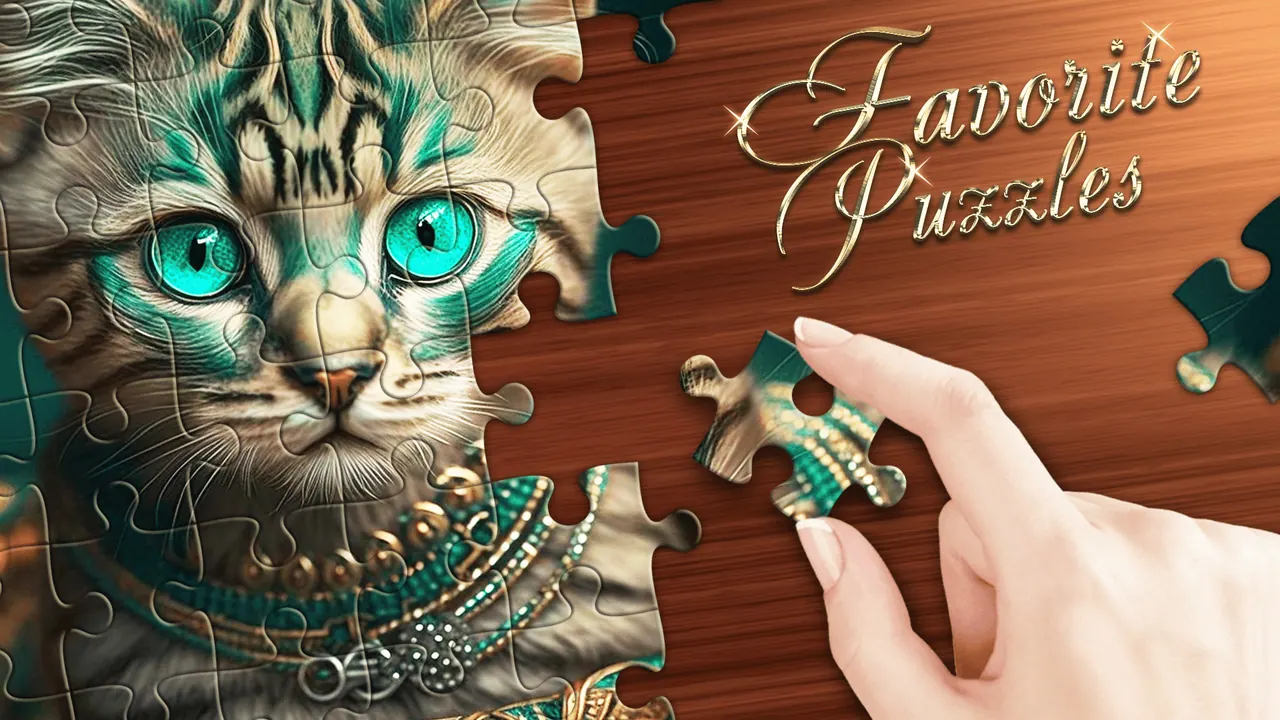
Favorite Puzzles is a calm jigsaw game where you rebuild painted pictures one piece at a time. The first puzzle shows a tabby cat with teal-green eyes, with a few pieces already in the frame and the rest waiting in a scrolling tray on the right. A toolbar beside the board holds a hint, zoom in and out, a sample view of the finished picture and a filter that leaves only edge pieces.
How to play Favorite Puzzles
- Scroll the tray on the right to look through the loose pieces.
- Drag a piece onto the board and drop it where it fits.
- Press the sample button to see the finished picture whenever you need a reminder.
- Use the edges button to show only border pieces and build the frame first.
Controls
| Drag (mouse or finger) | Move a piece |
|---|---|
| Toolbar buttons | Hint, zoom, sample picture and edge filter |
Tips to play better
- Build the border first with the edge filter, then fill the middle.
- Sort pieces by colour; the cat picture splits into striped fur, green eyes and a dark purple table.
- Zoom in to check small details before dropping a piece.
- Save hints for the last stubborn pieces.
Advertisement
Favorite Puzzles FAQ
Can I see the finished picture in Favorite Puzzles?
Yes. The sample button on the toolbar shows the whole picture so you can compare it with the board.
Is there a quick way to find edge pieces?
The edges button hides everything except border pieces, which the tutorial suggests using to start a puzzle.
Advertisement