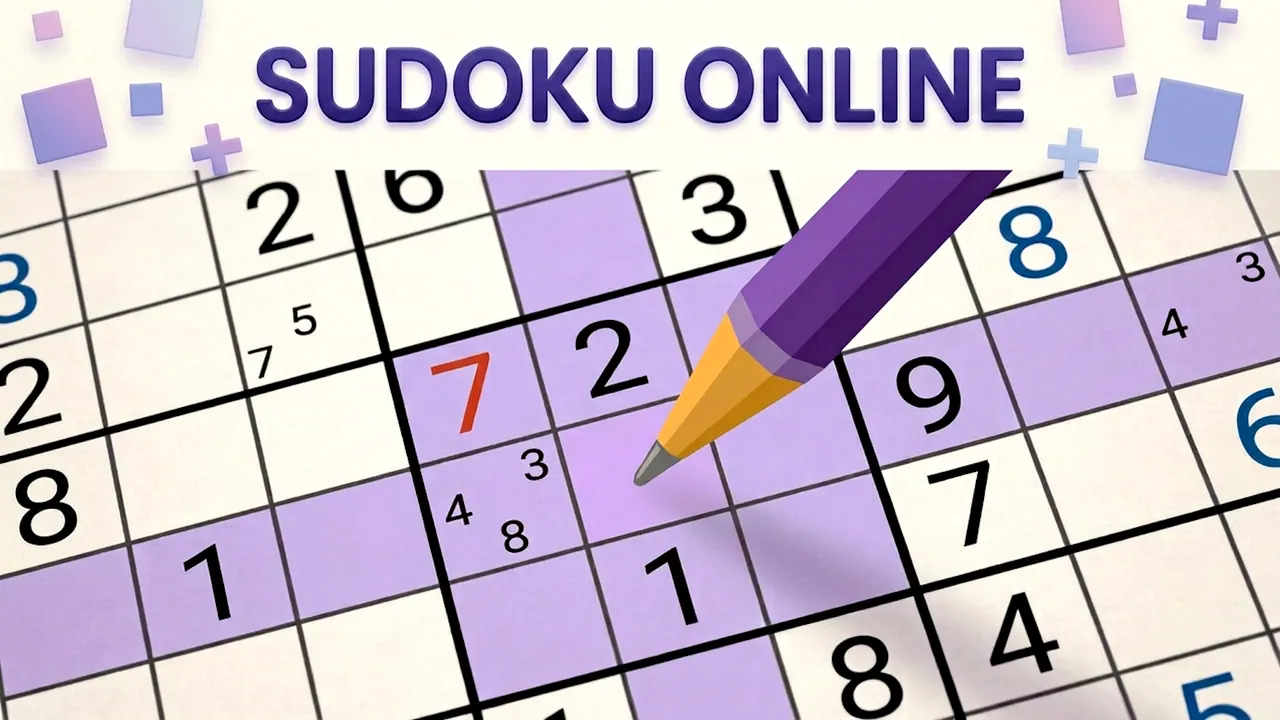





















Classic 9x9 sudoku with optional extra rules
Sudoku Online keeps the classic 9x9 puzzle clean and quiet: pick a cell, pick a number from the pad and keep every row, column and 3x3 box free of repeats. New games come in Easy, Medium, Hard and Expert, each worth more stars toward your rank. Switches for X-Sudoku, Windoku, Killer Cages and Kropki Dots add extra rules, and a Daily Challenge waits on the menu.
How to play Sudoku Online
- Press New Game, choose a difficulty and turn on any additional rules you want.
- Click an empty cell, then a number on the pad to fill it.
- Switch the pad to pencil mode to jot down small candidate numbers.
- Use Erase, Undo, Redo or Hint when you need them.
- Complete the grid so no number repeats in any row, column or box.
Controls
| Click / tap a cell | Select it |
|---|---|
| Number pad 1-9 | Enter a number or a pencil note |
| Erase, Undo, Redo and Hint | Fix mistakes or get help |
Tips to play better
- After you place a number, the same digits light up across the grid, which makes gaps easy to spot.
- Pencil notes save guesswork on Hard and Expert boards.
- Read the question-mark help beside each extra rule before switching it on.
Advertisement
Sudoku Online FAQ
What extra rules does Sudoku Online offer?
Four optional ones: X-Sudoku, Windoku, Killer Cages and Kropki Dots. Each switch has a question-mark button that explains it.
How do the difficulty levels differ?
In the stars they pay: Easy gives 50, Medium 100, Hard 200 and Expert 500, and stars move you up the rank shown on the menu.
Advertisement