






















Match free pairs until the whole stack is gone
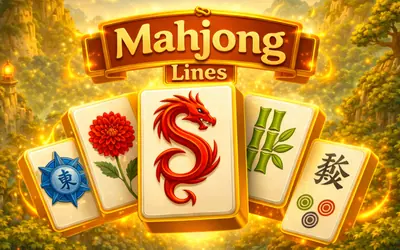
Mahjong Classic is tile-matching solitaire built on stacked shapes with names like Turtle, Fortress, Spider, Crab, Horns and Well, and each layout card shows how many pairs it holds. You take away two identical tiles at a time, but only tiles that are not covered or hemmed in can be picked, so the order of your matches decides whether the lower layers ever come free. An endless mode sits beside the regular layouts.
How to play Mahjong Classic
- Pick a layout from the Based, Extra or Special tabs; each card shows its number of pairs.
- Click a tile that is not blocked, then a second free tile with the same symbol, and both disappear.
- Pair any flower tile with any other flower, and any season tile with any other season.
- Use Undo, Hint or Spotlight from the left panel when no matching pair is open.
- Clear every tile to finish the layout; five quick pairs in a row earn a 500-point star bonus.
Controls
| Mouse click / tap | Select a free tile |
|---|---|
| Undo, Hint and Spotlight buttons | Take back a pair, show a pair or highlight the free tiles |
Tips to play better
- Work long rows from their ends, because a tile with neighbours on both sides cannot be picked.
- When two pairs of the same symbol are open, take the pair that uncovers more tiles underneath.
- Keep a Hint for the last layers, where one hidden pair can stall the whole board.
- Watch the pairs counter in the left panel to see how much of the layout is left.
Advertisement
Mahjong Classic FAQ
Which tiles can I pick in Mahjong Classic?
Only free ones. A tile that is covered, or boxed in on both sides, will not respond until the tiles around it are gone.
Do flower and season tiles need an exact match?
No. The rules screen pairs any flower with any other flower and any season with any other season, even when the pictures differ.
Advertisement