














Every frog you spot turns bright green
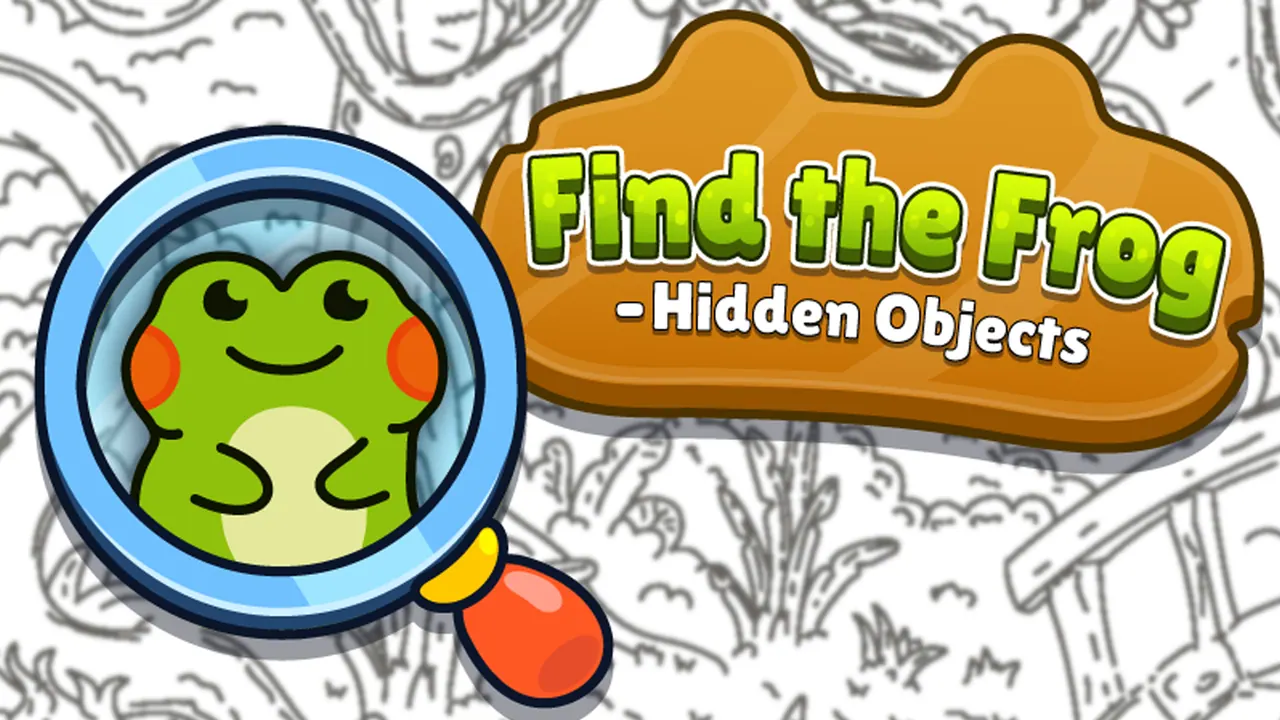
Find the Frog - Hidden Objects is a calm seek-and-find game drawn in black and white lines. The first picture shows a forest pond packed with detail, from lily pads, logs and mushrooms to butterflies, dragonflies and reeds, and small frogs are tucked into the drawing. Tap a frog and it fills with green, so your finds stand out against the rest of the sketch. A magnifier button helps when one stays hidden.
How to play Find the Frog - Hidden Objects
- Follow the green hand to the first frog and tap it.
- Scroll the mouse wheel to zoom and move around the drawing.
- Search the scene for more frogs; each one you find turns green.
- Use the magnifier button in the bottom-left corner when you are stuck.
Controls
| Mouse click / tap | Mark a frog |
|---|---|
| Mouse wheel | Zoom the picture |
| Magnifier button | Get a hint |
Tips to play better
- The first frogs sat in the water and beside the bushes, so check the edges of the pond.
- Zoom in on busy corners; in line art a small frog blends into everything around it.
- Found frogs turn green, which makes it easy to see which parts you have already searched.
Advertisement
Find the Frog - Hidden Objects FAQ
How do I know I found a frog?
It changes from black and white lines to solid green as soon as you tap it.
Can I zoom in on the drawing?
Yes. The game shows a mouse-wheel hint early on, and scrolling zooms the picture.
Advertisement