


Press the matching arrow and strike the monster
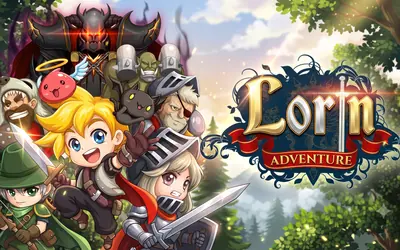
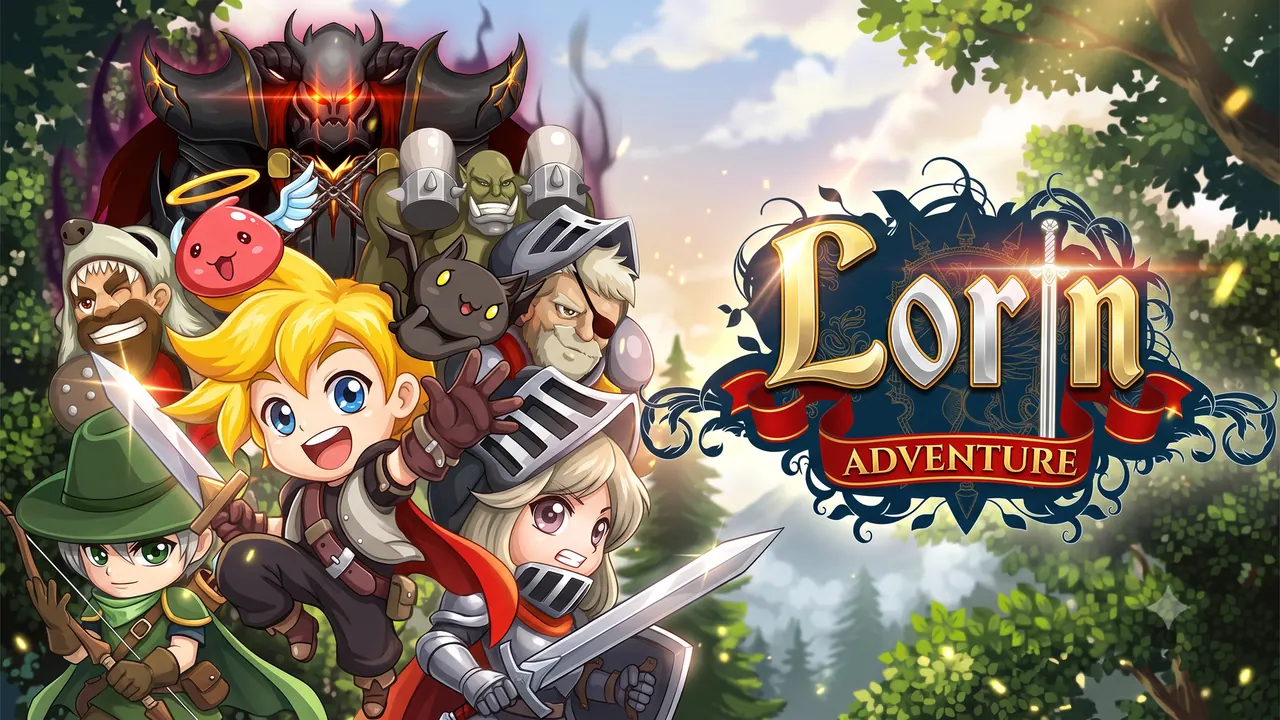
Lorin Adventure is a pixel-art RPG played in a tall portrait frame. Fights work like a reflex test: a strip of arrow icons runs across the screen, and pressing the big left or right button that matches the highlighted arrow lands a hit, while a wrong or slow press lets the monster strike back. Between battles, menus for the character, weapons, a blacksmith, armour, summons, rebirth, dungeons and artifacts build up your hero.
How to play Lorin Adventure
- Tap Play and follow the prologue.
- Watch the highlighted arrow on the strip in the middle of the screen.
- Press the big button with the same direction to attack.
- Avoid wrong presses and do not let the monster's attack timer run out.
- Use the menus between fights to upgrade weapons, armour and skills.
Controls
| Left / right buttons (click or tap) | Attack in the shown direction |
|---|---|
| Click / tap | Menus and dialogue |
Tips to play better
- Accuracy matters as much as speed; a wrong press lets the monster hit you.
- Visit the blacksmith between battles to improve your weapon.
- Read the prologue lines; they explain the direction buttons step by step.
Advertisement
Lorin Adventure FAQ
How do you attack in Lorin Adventure?
Press the left or right button that matches the highlighted arrow on the strip.
What makes the monster hit back?
A wrong button, or letting its attack timer run out.
Advertisement