






Pick a car, find a wall and see what happens
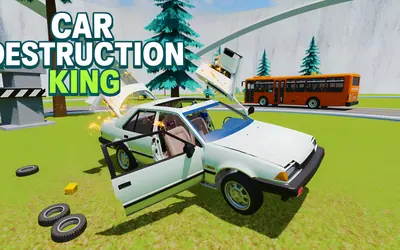
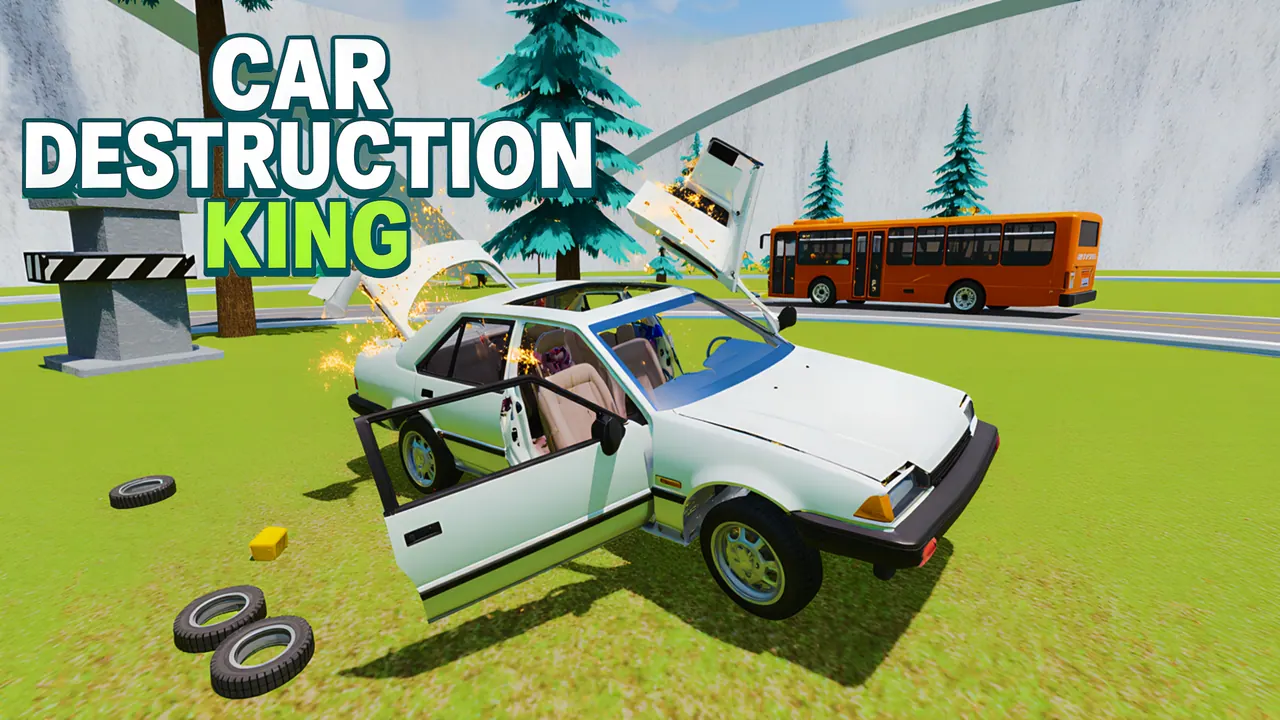
Car Destruction King is a driving sandbox built for crashing. Three maps are on offer: a City with office towers, a roundabout, ramps and a red double-decker bus in traffic, a Nature map of rocky hills, and a Test Drive lot with a loop. In the city you can choose a free sandbox or a racing mode, and the car picker lets you take control of other cars parked around the map.
How to play Car Destruction King
- Press Play, choose a map and pick Sandbox or Racing in the City.
- Drive with WASD; hold Shift for nitro and Space for the handbrake.
- Press N to open the car picker, page through the cars and choose Take Control.
- Use B for slow motion, K to repair the car, R to flip it back and C to switch cameras.
Controls
| W A S D | Drive and steer |
|---|---|
| Shift / Space | Nitro / handbrake |
| N, B, K, R and C keys | Car picker, slow motion, repair, flip, camera |
| Tab / Esc | Pause menu |
| On-screen stick (touch) | Drive on a touch screen |
Tips to play better
- Switch to the top-down camera with C to line up a ramp before you hit it.
- Some cars in the picker show an ad icon; those open after watching an ad.
- Press K to repair the car instead of restarting the map.
Advertisement
Car Destruction King FAQ
Can I drive other cars in Car Destruction King?
Yes. Press N to see the cars on the map one by one and choose Take Control. A few carry an ad icon and need an ad first.
Which maps are there?
City, Nature and Test Drive. The City map has both a sandbox and a racing mode.
Advertisement