















Chase escaped inmates up the prison floors
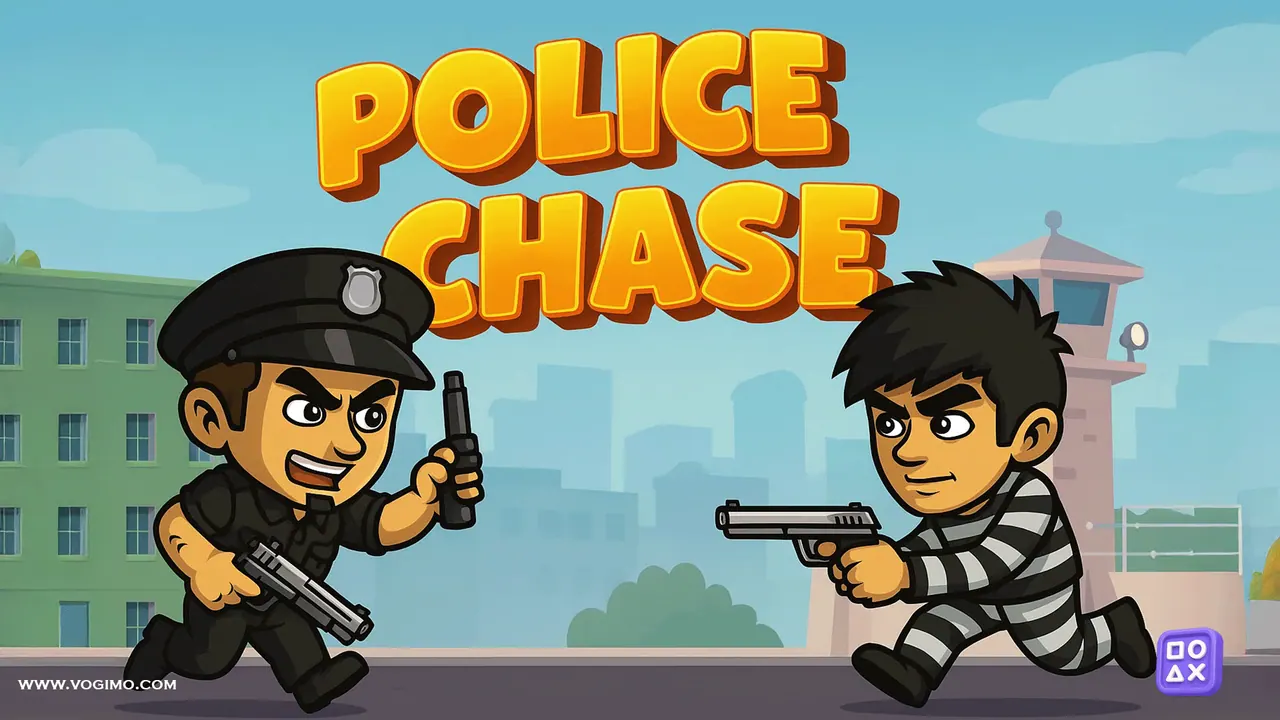
Police Chase is a cartoon platform game set inside a prison after a riot. A few inmates have already slipped out through the roof, and you play Officer Charles, racing up the floors to catch the rest before they escape through the top. Each level gives you a countdown, three lives shown as police caps, and traps and objects to jump over or duck under along the way.
How to play Police Chase
- Press Start Game and pick a level; the 24 levels unlock one after another, and How to Play on the menu recaps the keys.
- Run with the left and right arrows, jump with the space bar and crouch with the down arrow to get past traps and objects.
- Step into an elevator with the up arrow to cut between floors, and press down to step back out.
- Catch the escaping inmates before the countdown at the top runs out, using the floor map along the bottom to find your way.
- If the chase fails, the Game Over panel offers Try Again, Select Level or Quit.
Controls
| Left / right arrows | Run |
|---|---|
| Space bar | Jump |
| Up / down arrows | Enter or leave an elevator; down also crouches |
| On-screen buttons (tap) | Move, jump and use elevators on touch screens |
Tips to play better
- Use the elevators whenever one is on your route; the game's own advice is that they shorten the path.
- Level 1 starts with 50 seconds on the clock, so a hesitant run costs more than a stumble.
- Glance at the floor map along the bottom to keep track of where you are in the building.
- A failed attempt drops you straight back in with Try Again, so treat early runs as scouting trips to learn the layout.
Advertisement
Police Chase gameplay video

Gameplay recorded by the Vogimo team.
Police Chase FAQ
What is the goal in Police Chase?
Catch the escaped inmates before they get out through the top floor of the prison. Every level is a race against the clock across several floors.
Can I play Police Chase on a phone?
Yes. On-screen buttons for left, right, down, up and jump sit along the bottom of the screen, and the arrow keys and space bar work on a computer.
Advertisement