









Read the road, find the gap, keep climbing
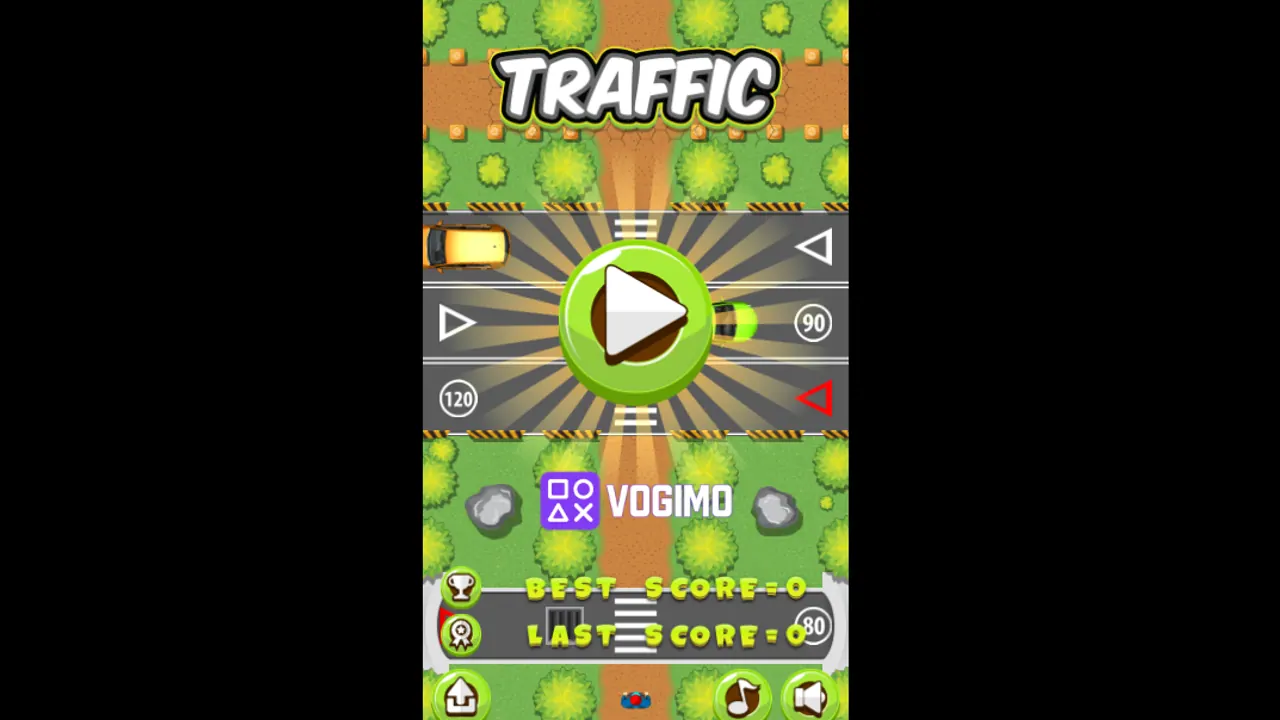
Traffic is a top-down crossing game on a tall screen. A dirt path runs straight up through grass and ponds, and one road after another cuts across it with cars speeding along. You move a tiny walker up the path a step at a time, back off when a car is close and go again once it has passed, pushing your score a little higher with every step.
How to play Traffic
- Start from the title screen, and your walker appears at the bottom of the path.
- Tap the up arrow to step forward and the down arrow to step back.
- Before each road, watch which way its cars are moving and wait for a clear gap.
- Keep climbing to raise the score at the top, since a car hitting your walker ends the run and saves the result as your Last Score.
Controls
| Up arrow button | Step forward along the path |
|---|---|
| Down arrow button | Step back to safety |
| Pause, music and sound buttons | Pause the game or switch the audio on and off |
Tips to play better
- Step back with the down arrow when a car shows up too soon, rather than freezing in the middle of the road.
- Go right after a car passes in front of you, since the space behind it is usually the safest window.
- Use the grassy stretches between roads as a breather to study the next crossing before you move on.
- Check both ends of each road, because the cars on the next one may come from the opposite side.
Advertisement
Traffic gameplay video

Gameplay recorded by the Vogimo team.
Traffic FAQ
What do the up and down buttons do in Traffic?
Up moves your walker one step forward along the path and down moves it one step back, so you can retreat when a car comes too close.
What happens if a car hits you?
The run is over on the spot. Your result is stored as Last Score, and the start screen shows it next to your Best Score so you can see whether you set a record.
Advertisement