






A Summer Games run under flag-lined Paris streets
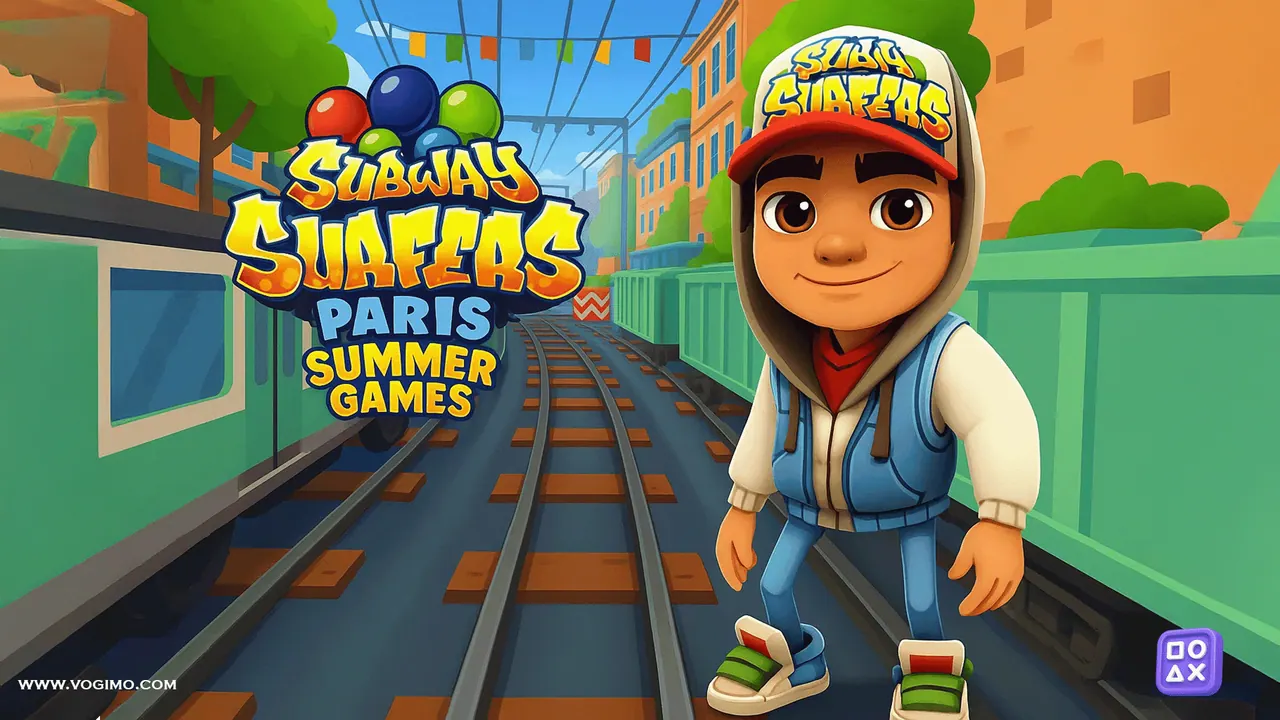
Subway Surfers Paris sets the chase in summer, under a Paris Summer Games logo. Green-and-white trains share the three tracks, pale stone buildings hung with strings of small flags rise above the line, and red and white barriers wait on the rails. The start screen offers Top Run, Me and Shop, and the score and coin counters sit in the top corner while you run.
How to play Subway Surfers Paris
- Press anywhere on the start screen to start running.
- Move between the three tracks to avoid the trains and barriers.
- Jump over low barriers and roll under high ones.
- Collect coins and keep going; the run ends at the first crash.
- Look at Top Run on the start screen to compare your best runs.
Controls
| Left / right arrows | Change track |
|---|---|
| Up arrow | Jump |
| Down arrow | Roll |
| Pause button | Pause and see your missions |
Tips to play better
- The pause menu lists your current mission set; finishing all three goals takes you to the next set.
- Read the height of each barrier early: low ones are jumped, high ones need a roll.
- Stay on the middle track when nothing is coming; it leaves you one move from either side.
Advertisement
Subway Surfers Paris gameplay video

Gameplay recorded by the Vogimo team.
Subway Surfers Paris FAQ
What is the Summer Games theme in Subway Surfers Paris?
It is the look of this World Tour stop. The logo reads Paris Summer Games, and the tracks run between Paris streets decorated with strings of small flags.
How do I play Subway Surfers Paris with a keyboard?
Use the left and right arrows to change track, the up arrow to jump and the down arrow to roll. The pause button in the corner shows your missions.
Advertisement