






Weave through highway traffic and chase a high score
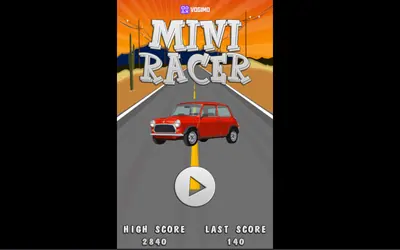
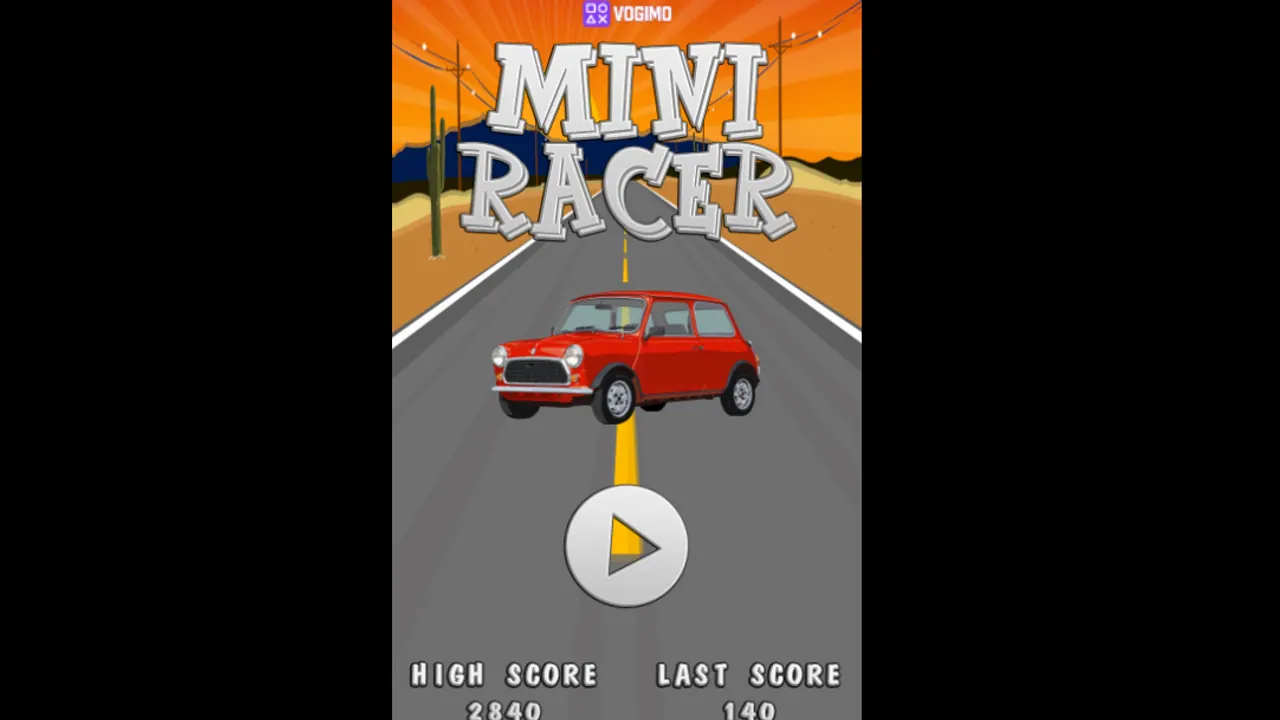
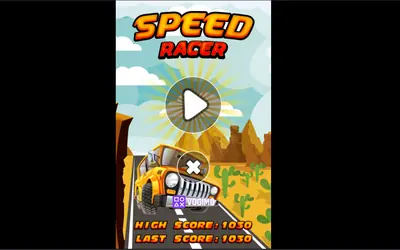
Mini Racer opens on a red classic car parked on a desert road at sunset, then drops you onto a four-lane highway seen from straight above, with grass along both verges. Your small car shares the road with other traffic, and the score at the top keeps rising while you stay clear of it. The start screen keeps your last score next to your high score, so every run has a number to chase.
How to play Mini Racer
- Press the play button on the start screen to roll out onto the highway.
- Use the arrow buttons in the lower left to move across the lanes and around other cars.
- Press the pedal buttons in the lower right to speed up or ease off.
- Your score climbs as the run goes on; a crash ends it and returns you to the start screen.
Controls
| On-screen left / right arrows | Move the car across the lanes |
|---|---|
| On-screen pedals | Speed up or brake |
| Left / right arrow keys | Steer on a keyboard |
Tips to play better
- Change lanes early; last-second swerves are where most runs end.
- Keep your eyes near the top of the screen to read the traffic ahead, not on your own car.
- Ease off with the brake pedal to drop in behind a car when both neighboring lanes are blocked.
- Drift back toward the middle lanes after each pass, which leaves room to dodge either way.
Mini Racer gameplay video

Gameplay recorded by the Vogimo team.
Mini Racer FAQ
What do High Score and Last Score mean in Mini Racer?
Last Score is the result of your most recent run, and High Score is the best you have managed so far. Both appear on the start screen.
Does Mini Racer fit a phone screen?
Yes. The game uses a tall portrait layout, so it suits a phone held upright, and on a computer it plays in a column in the middle of the screen.