


Four lanes, steady traffic, one car to steer
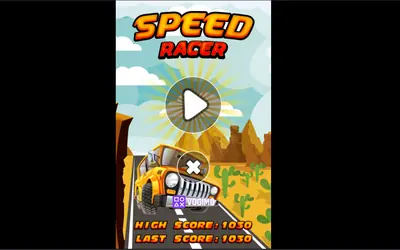
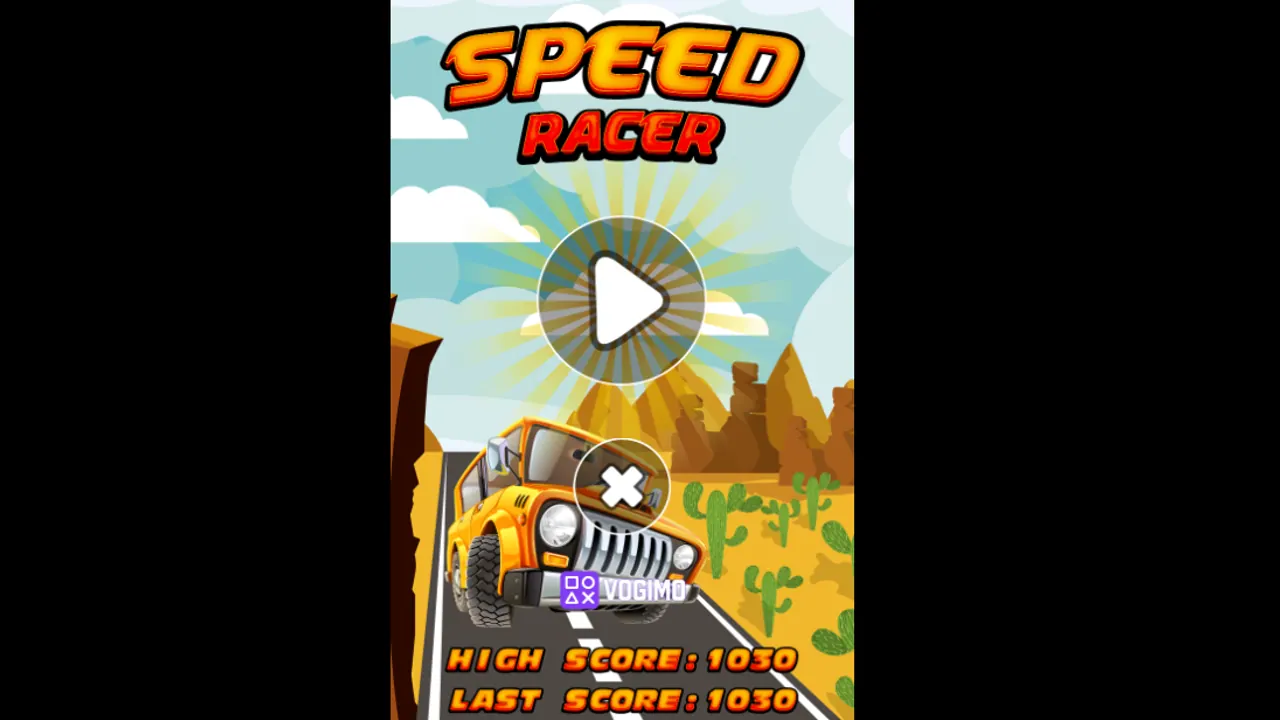
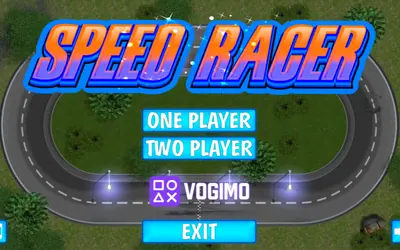
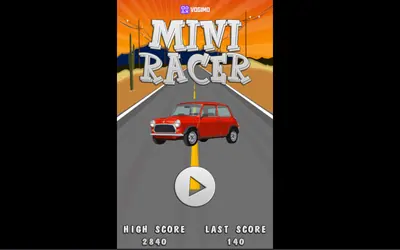
Despite the shared name, Speed Racer 2 has nothing to do with the oval track of Speed Racer. On a tall screen you look straight down on a four-lane highway through sandy scrubland and steer your car through a steady stream of traffic. A score and a time counter run along the top, and the desert-themed menu keeps your high score beside your last one.
How to play Speed Racer 2
- Press play on the menu to put your car on the highway.
- Use the left and right arrows to change lanes around the cars ahead.
- Use the up and down arrows to speed up or ease off when a gap is closing.
- Stay clear of the other cars; when the run ends, the menu shows your score with your high and last scores.
Controls
| Left / right arrow buttons | Change lanes |
|---|---|
| Up / down arrow buttons | Speed up or slow down |
| Menu and sound buttons | Open the menu or mute the game |
Tips to play better
- Watch the top of the screen, where new cars appear, and pick your lane before they get close.
- When two cars block neighboring lanes, move to the open side early instead of squeezing between them.
- Ease off with the down arrow when the lanes ahead are packed, then speed back up once a gap opens.
- Drift back toward the middle lanes after each pass so you can break left or right for the next one.
Advertisement
Speed Racer 2 gameplay video

Gameplay recorded by the Vogimo team.
Speed Racer 2 FAQ
Is Speed Racer 2 a sequel to Speed Racer?
Only in name. Speed Racer is a head-on lane game on an oval, while Speed Racer 2 is a traffic-dodging drive up a straight four-lane highway on a tall screen.
What are the four arrow buttons for?
Left and right move your car across the lanes, and up and down change your speed. They sit in the bottom corners of the screen, two on each side.
Advertisement