



Brick mazes, orange enemy tanks, one steady cannon
Tank Wars drops your tank into a top-down maze of red brick walls, steel blocks and green hedges. Orange enemy tanks roll out from spawn points along the top of the map, and a counter beside the maze shows how many are still to come. You steer with the arrow pad, fire through the gaps in the walls and try to keep the heart counter on the other side from running out.
How to play Tank Wars
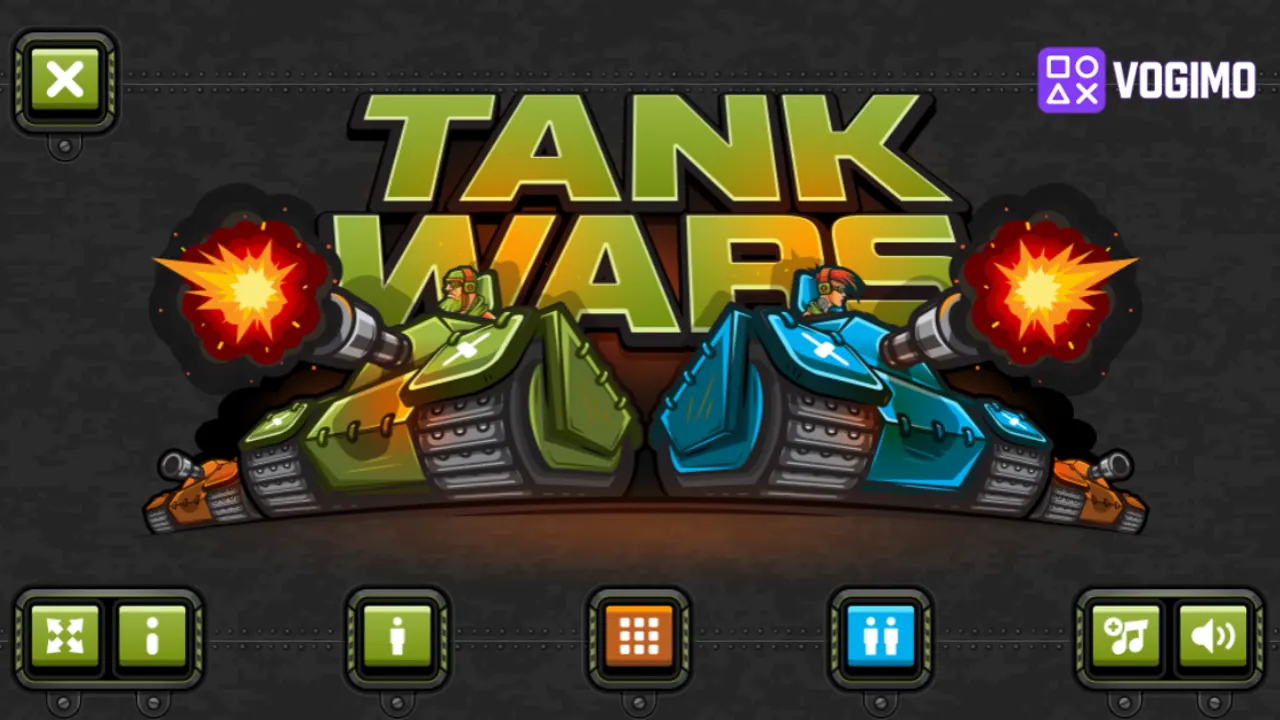
- Choose one player, two players or the level grid from the menu.
- Drive through the maze with the arrow pad and line your cannon up along a clear corridor.
- Press the fire button to shoot the orange tanks before they can turn their guns on you.
- Each tank you destroy lowers the enemy counter, so bring it down to zero while keeping your hearts from running out.
Controls
| On-screen arrow pad | Drive up, down, left and right |
|---|---|
| Fire button | Shoot the cannon |
| Pause button | Take a break mid-stage |
Tips to play better
- Line up in the same row or column as an enemy before you fire, since shells travel straight along the corridors.
- Keep an eye on the spawn points along the top edge, where fresh enemy tanks appear.
- Back around a corner after each shot instead of trading fire down a long open lane.
- When the heart counter gets low, pick your fights rather than driving into a crowded part of the maze.
Tank Wars gameplay video

Gameplay recorded by the Vogimo team.
Tank Wars FAQ
How do I finish a stage in Tank Wars?
Destroy the enemy tanks. The counter with the orange tank icon shows how many are left, so keep hunting until it reaches zero.
Can two people play Tank Wars?
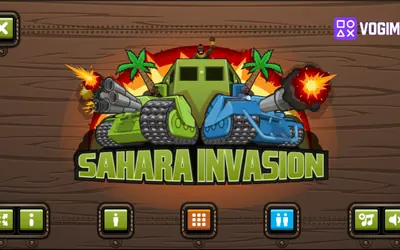
The menu has a two-player button beside the one-player and level buttons, and the title art shows a green tank and a blue tank side by side, so a second player can take a tank of their own.