







Steady aim, limited ammo, a wall full of ducks
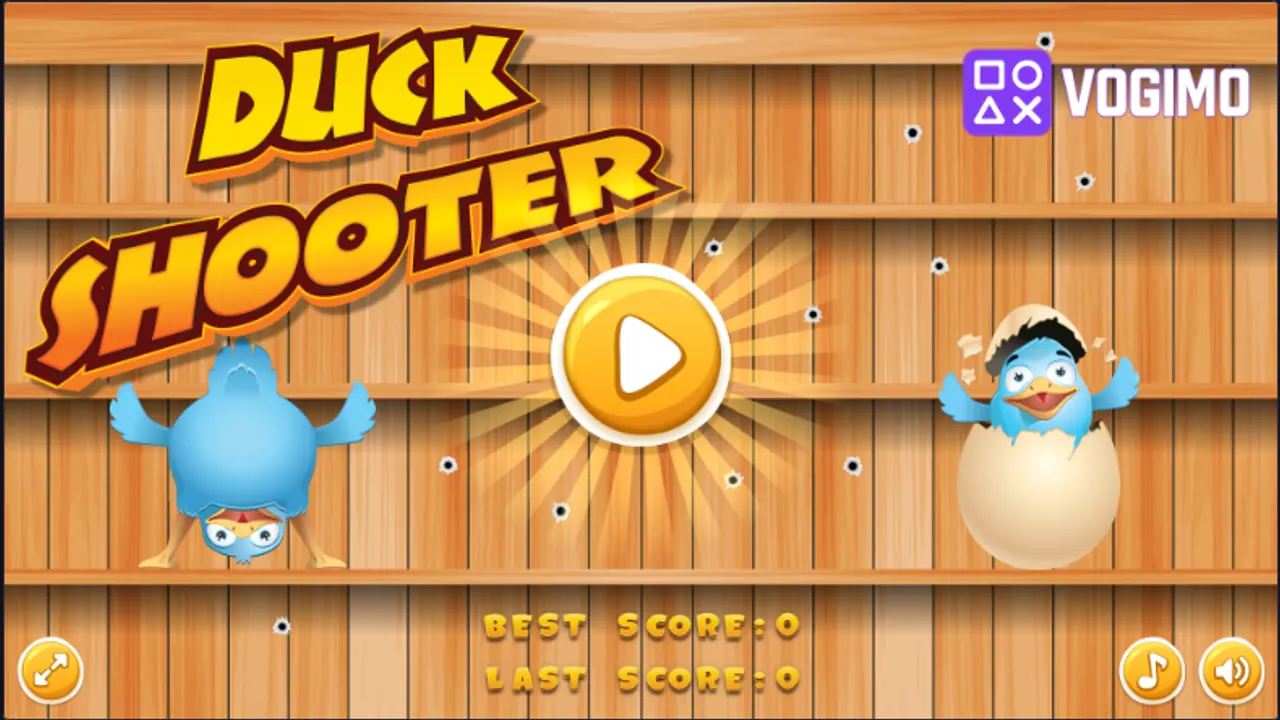
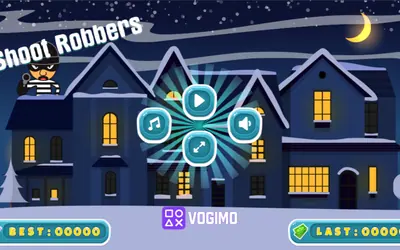
A wall of wooden planks, already peppered with bullet holes, greets you on the Duck Shooter title screen. In the gallery itself, yellow ducks with bullseye markings slide along three wooden shelves beside chicks and spotted eggs, and you pick them off with quick, careful clicks. Time and bullets are both counted at the top, so wild shooting ends a round early.
How to play Duck Shooter
- Press the play button to start a round.
- Move the crosshair onto a duck as it slides along its shelf and click to shoot.
- Every miss costs a bullet from the counter at the top, so pick your shots.
- The round ends when your shots or time run out, and the result is saved as your last score.
Controls
| Mouse | Aim at a duck |
|---|---|
| Left click / tap | Shoot |
Tips to play better
- Pick one duck and follow it all the way into your shot instead of switching targets mid-aim.
- Hold fire on ducks about to leave the screen; a fresh one near the middle is the safer target.
- After each round, compare your last and best scores to see whether a calmer pace is paying off.
Advertisement
Duck Shooter gameplay video
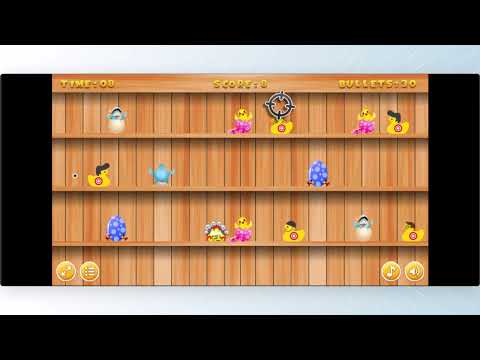
Gameplay recorded by the Vogimo team.
Duck Shooter FAQ
What do the two scores on the Duck Shooter title screen mean?
Last score shows how your most recent round went, and best score is your record. Both stay on the title screen between rounds.
Do all the targets move the same way?
No. They travel along three shelves at different heights, and some move faster than others, so adjust your aim for each row.
Advertisement